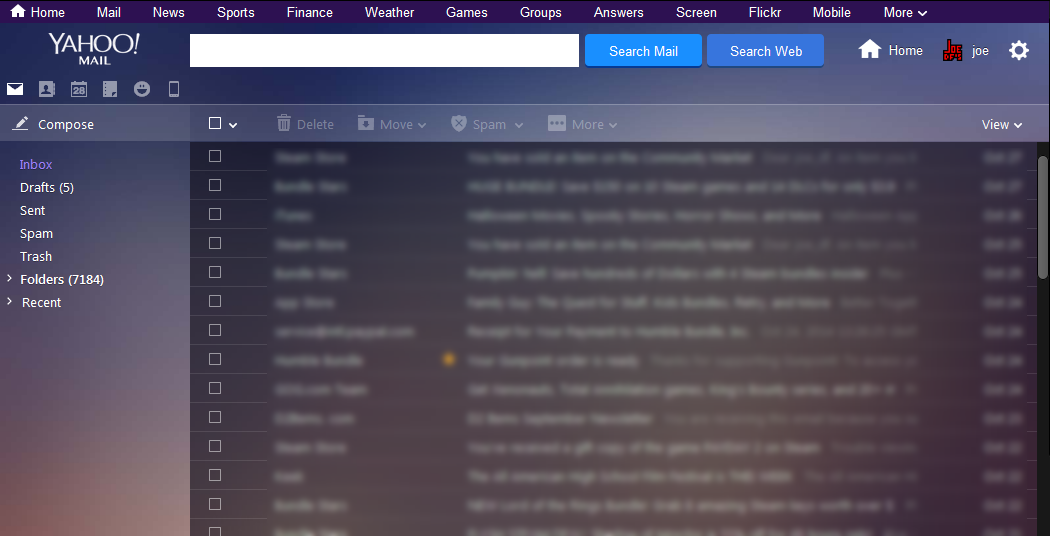
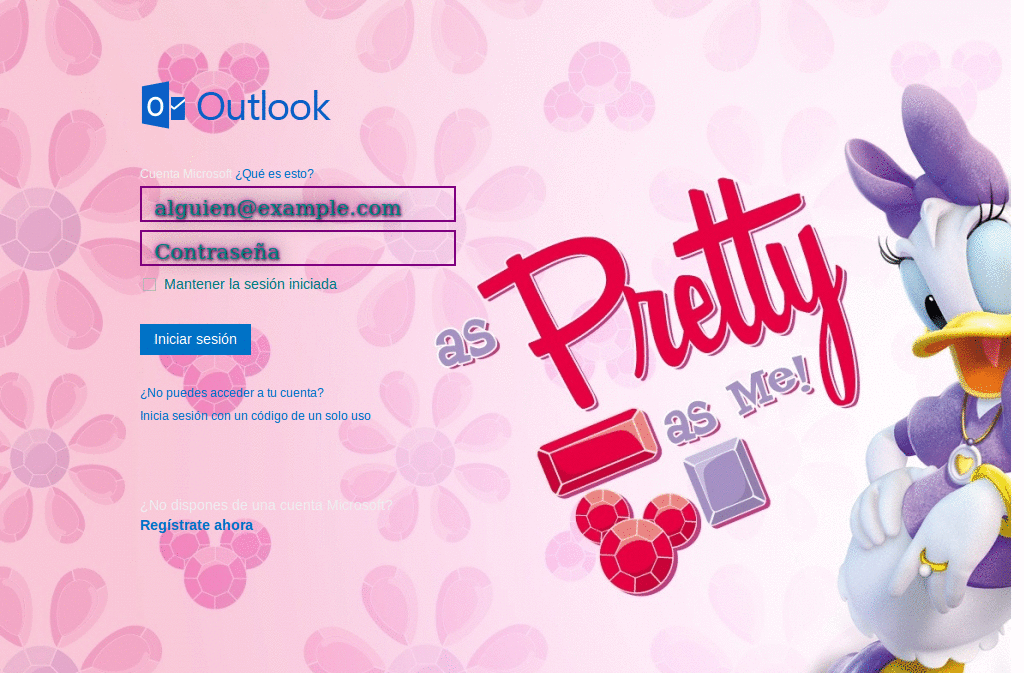
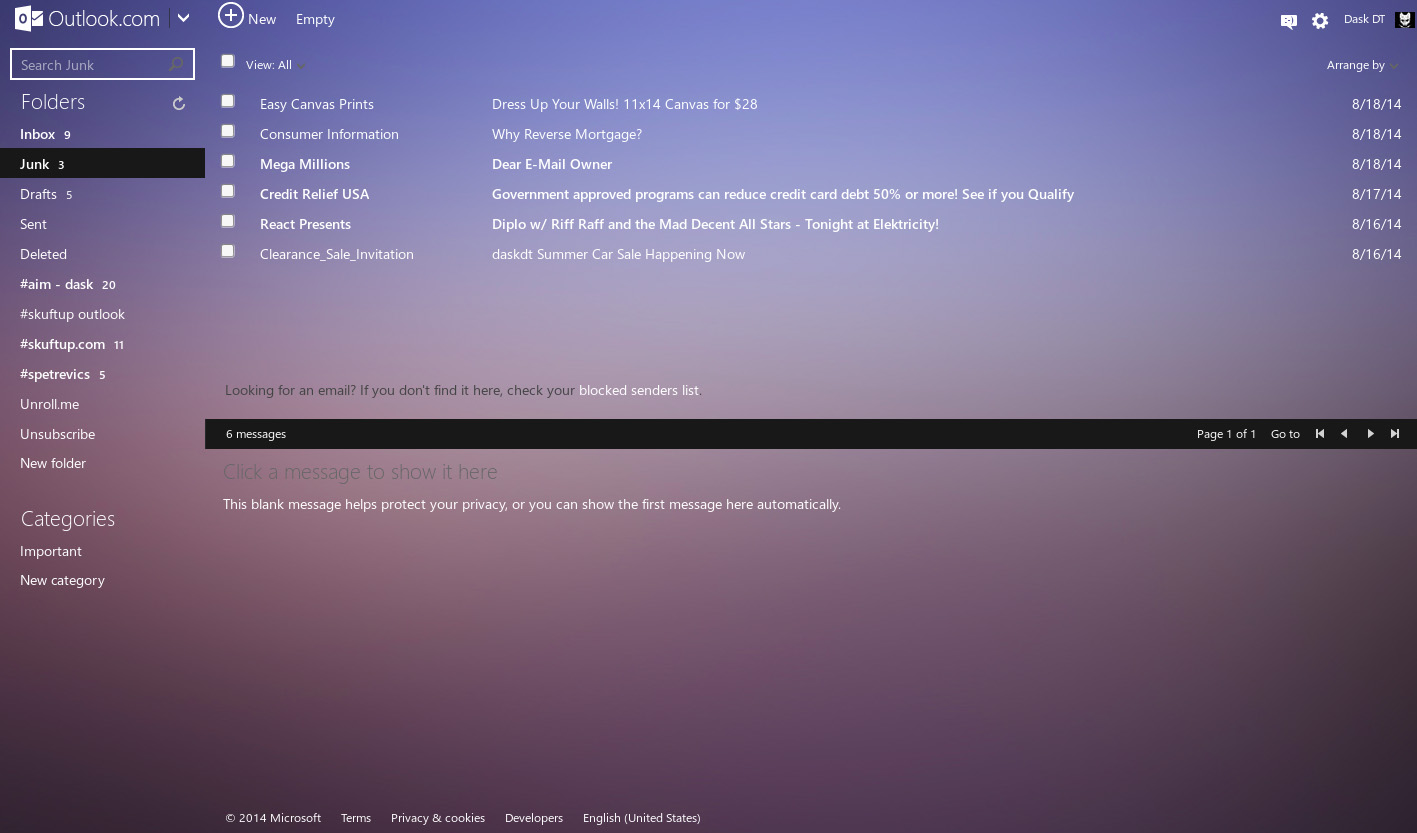
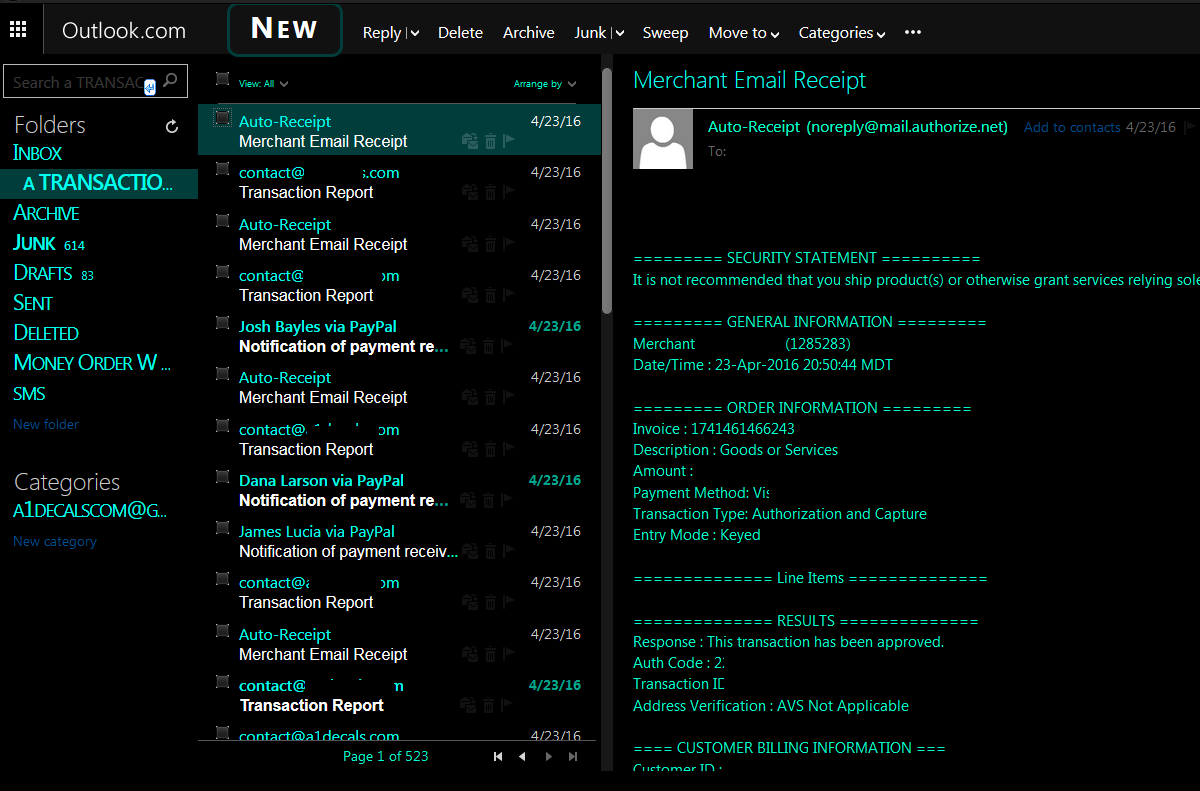
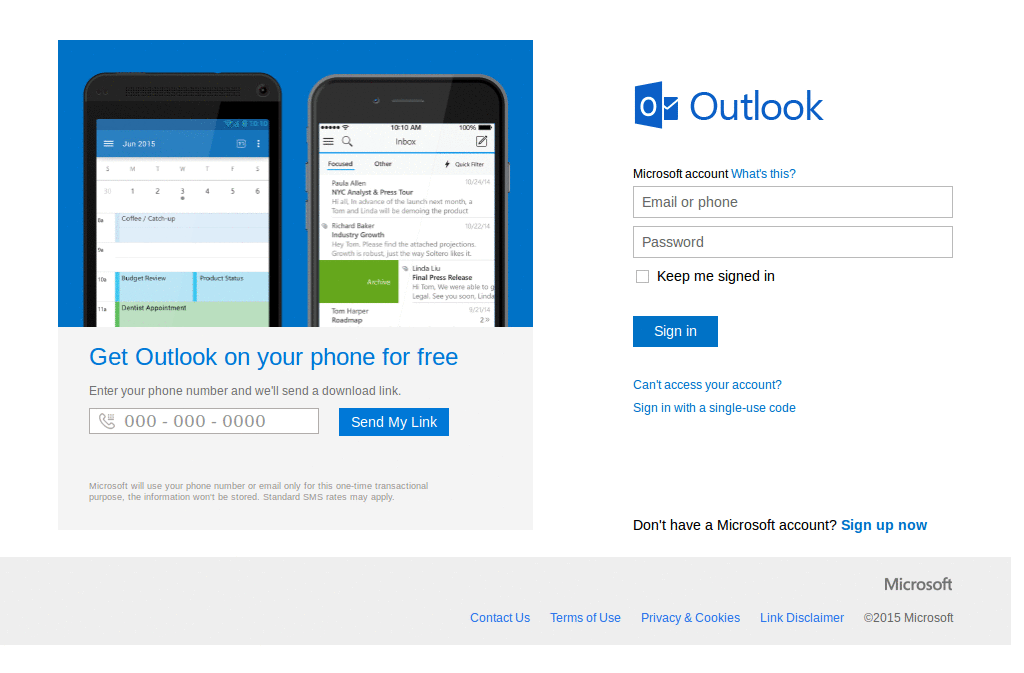
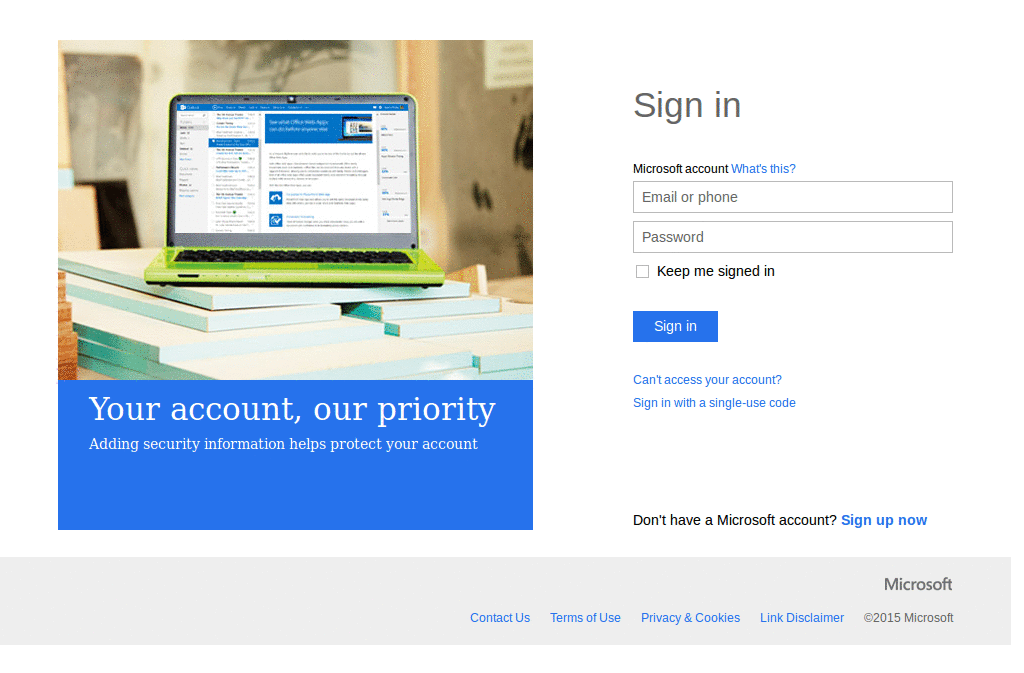
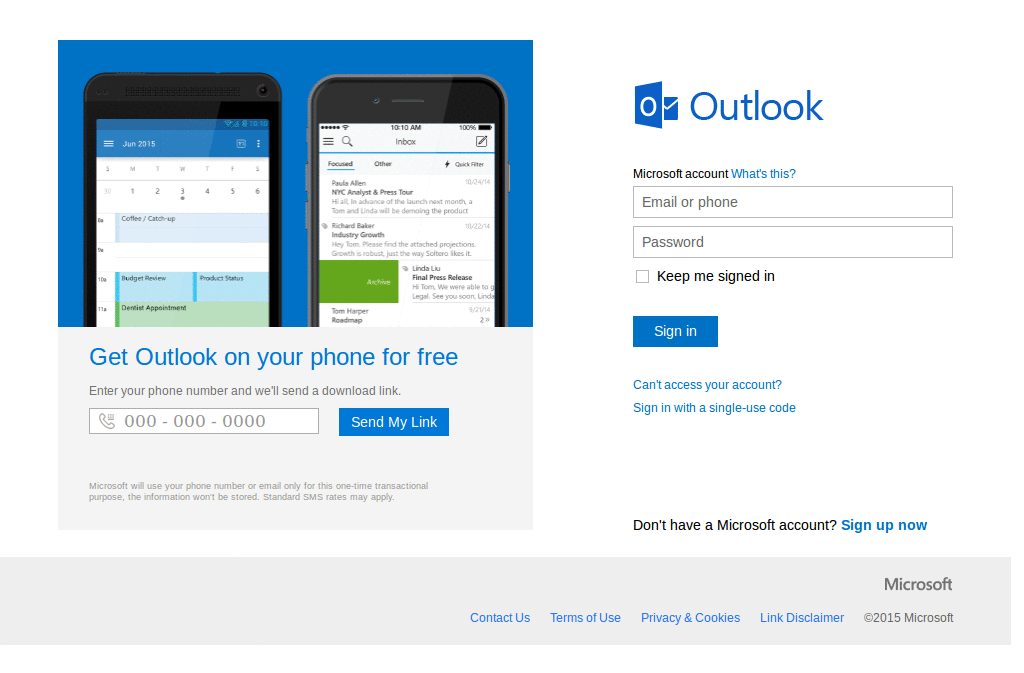
Customized login page for Windows Live Hotmail
Been working on this for some time now and decided to put it up here hope you like it Windows Live Homepage : http://2.bp.blogspot.com/_Cwy9QyA8tyk/TRupQ6qAVPI/AAAAAAAADCs/vu8XxrjWcPk/s1600/Untitled-1.png
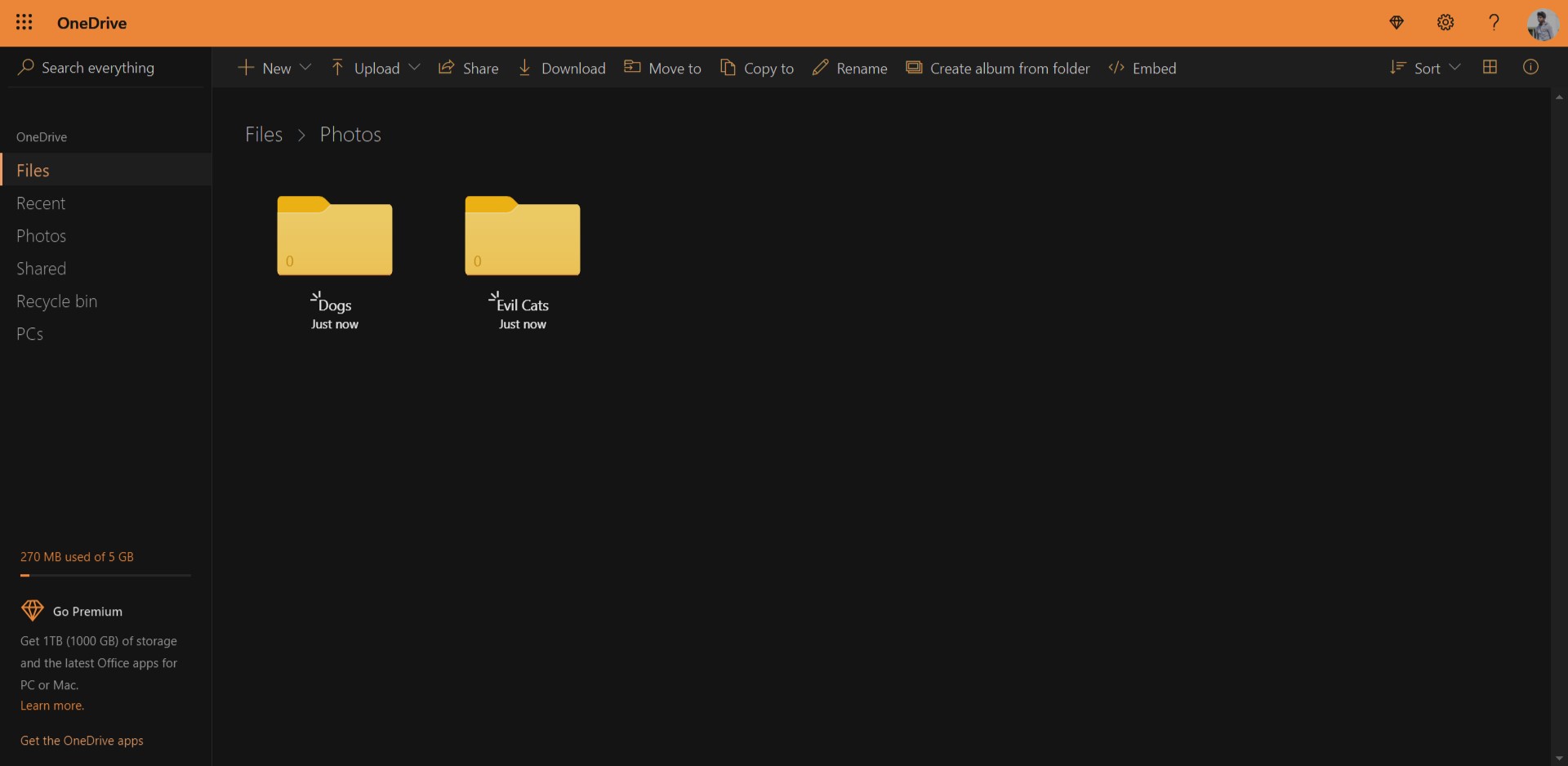
Wanted to do something easier on the eyes. Hope people like it. Made specially thinking in Wrongplanet.net, to read it at night :) Dark theme that works fairly well in many websites, browsed Lifehacker, Google, Gmail, Hotmail, Myspace, etc, looks fine :) Hotmail now looks fine ** Edit 2007-07-02: Added "Dark Style textboxes" By XerBlade http://userstyles.org/styles/591 ** Edit: 2007-07-05: Gmail now looks better :) ** Edit 2007-08-06 some additions, also, Hotmail now looks fine *blushes* ** Edit: 2007-09-30 I think I'll upload an updated one, darker, will try it for a week to see how it looks
Login page for hotmail. Colored cobalt/blue. For my own personal use. Wallpaper/Background is 'ecto' (cobalt ver.) by manicho visit at http://manicho.deviantart.com/ Version 1.2 - Fixed some stuff.. needs moar testing.
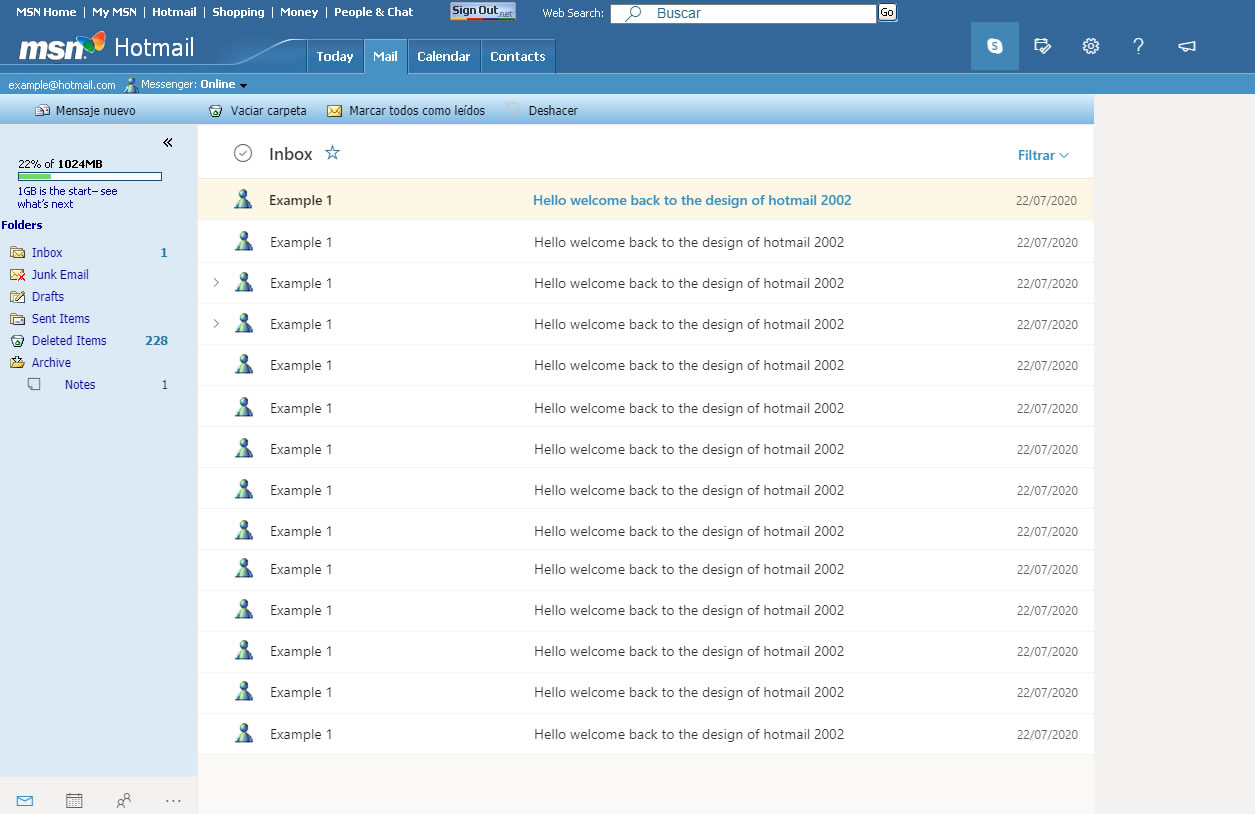
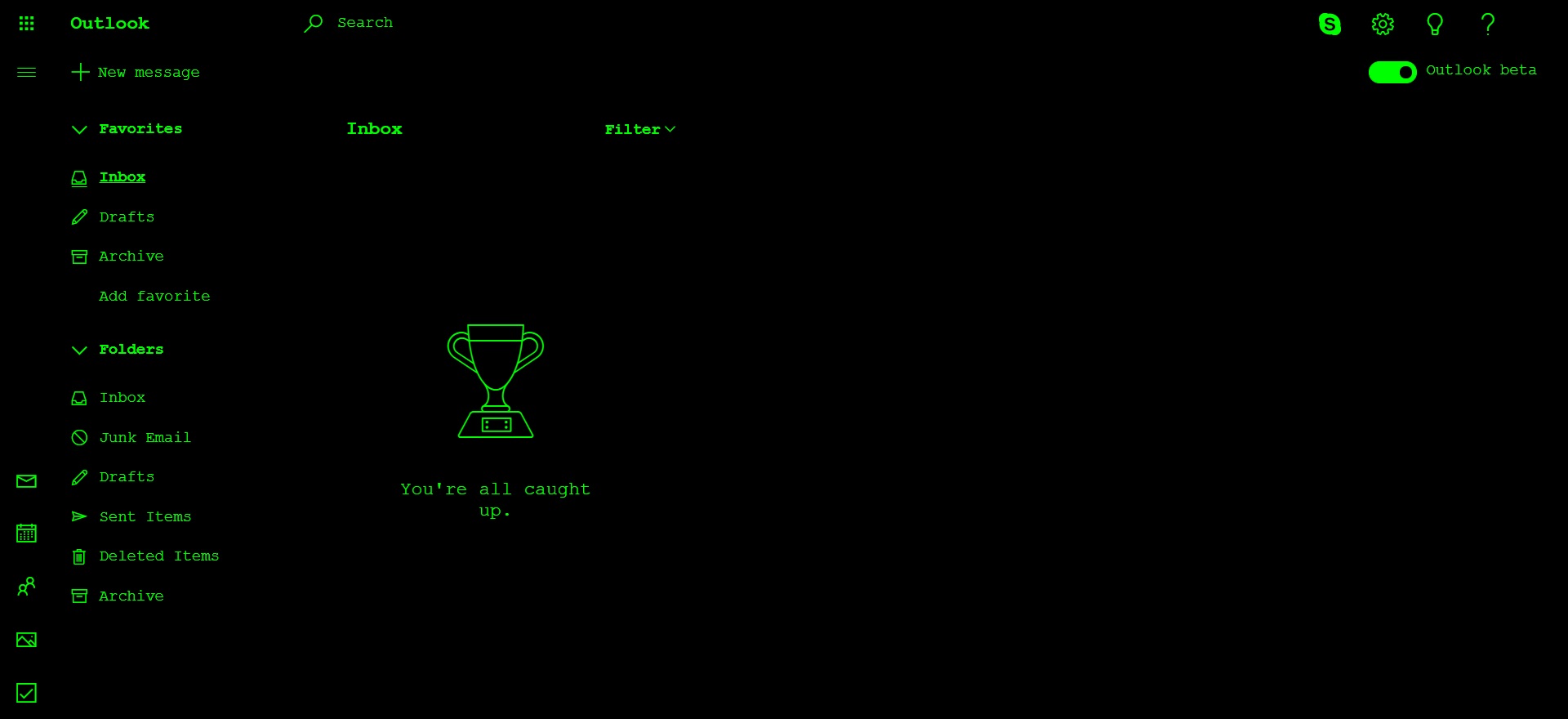
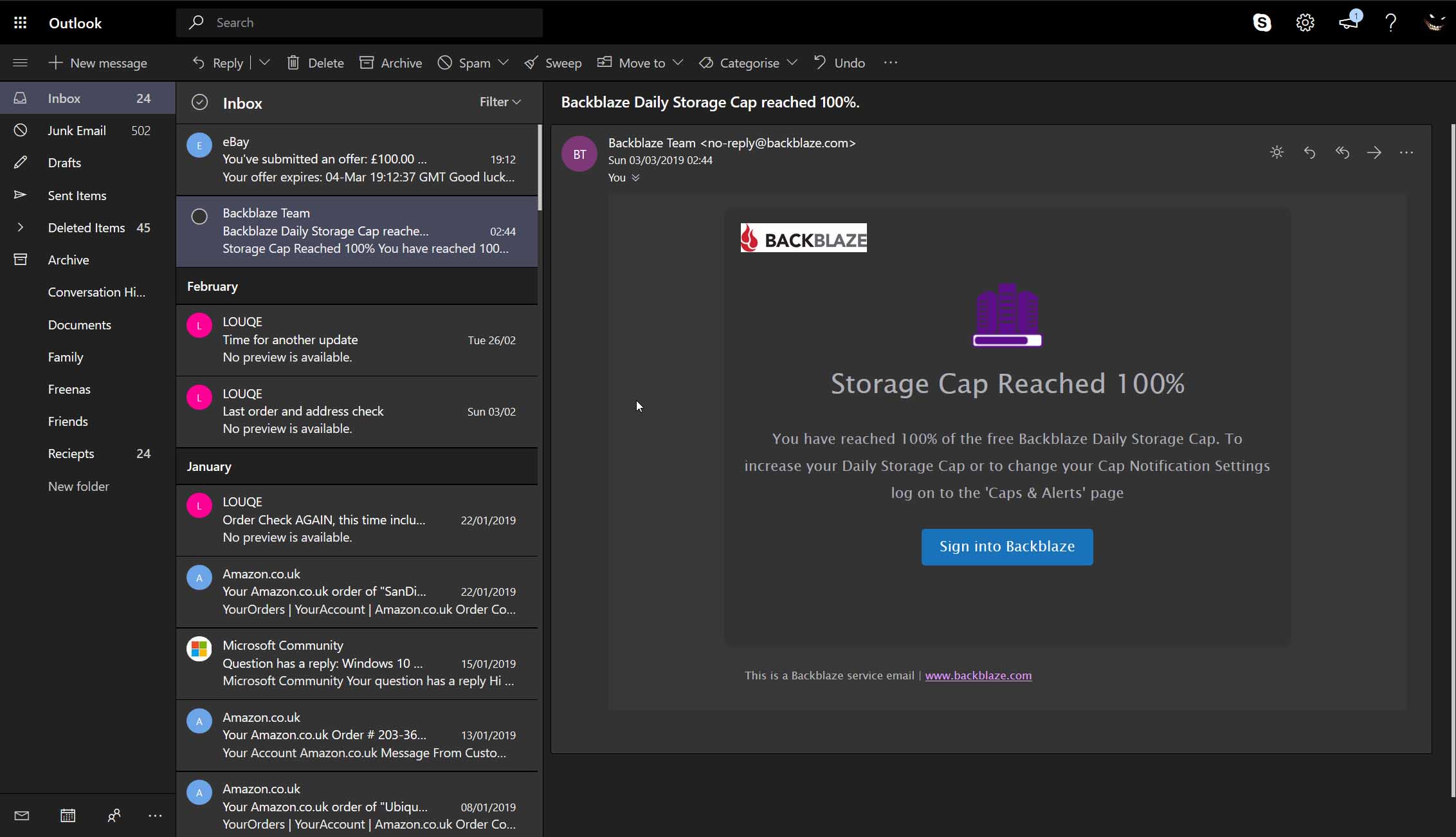
Hotmail redesigned in dark grays, clean & minimalistic. Based on: a mail.live.com -hotmail- Dark Theme by samlt. UPDATE: 03/10/10 - Updated to the new layout + new style for some elements. Comments are welcome, enjoY!
Rediseña la pagina de windows live.
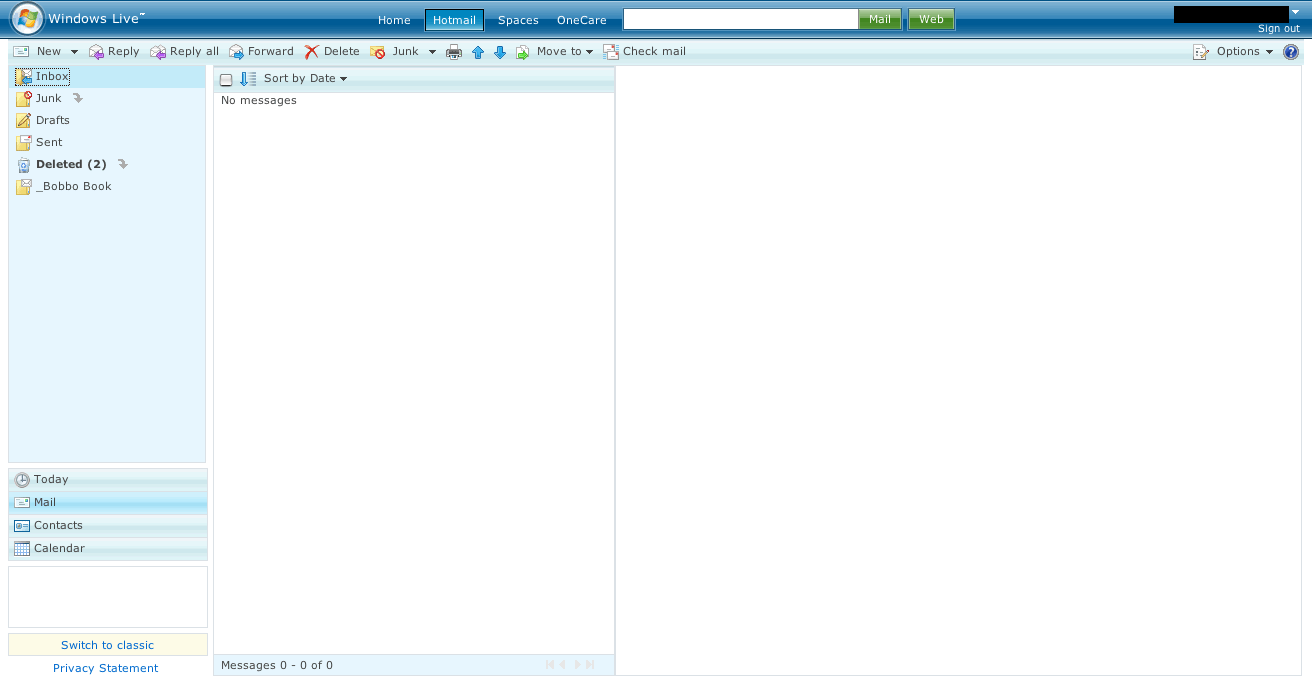
Removes: - Ads - Some buttons I do not need (e.g. Help) - Header links and search bar # MSN news # Dashboard Extra: - Lengthens folder list - Removes the big white space after a message ^ 100% width when in Day view # Moves up Office Live Workspace part so no scrollbar is needed (there is empty space since MSN news is removed) Notes: - Windows Live Hotmail ^ Windows Live Calendar # Windows Live Home Screenshots are about Windows Live Hotmail only.
"Just Hotmail Thank You", is for people who don't want to see anything but Hotmail when go to check their email..no promotional links to other services like Calendar, Spaces, Live Search nor links to sponsors or advertisers nor splash pages about "Today". This style is as simple a style as they come, a just couple lines of CSS code to hide the half a dozen or so elements that aren't part of actual Hotmail functionality. Hides: A - "Windows Live" header which upon mouse over displays a long list to the myriad of other MSN servers B - "Ad Banner Header" C - "Live Search textbox" + buttons to "Spaces" and other arbitrary services D - Shortcuts to "Today" and "Calendar" near the "Contacts" E - "Ad Module" F - "Switch to Classic" promo text box Don't forget to go into "Hotmail > Options > Today page settings" and set it to "Skip the Today page and take me straight to my inbox" which tells Hotmail to drop you right into your messages when you login. Also, if you like this lit
Hotmail görünümünü baştanaşağı siyaha dönrürür
Authors: - Image Modifications RogerManiac http://userstyles.org/styles/7219 - /*Original from > by computerlove yay*/ - Dark Style Textboxes By XerBlade http://userstyles.org/styles/591 ----------------- Copied some styles together and added modifications to images/backgrounds