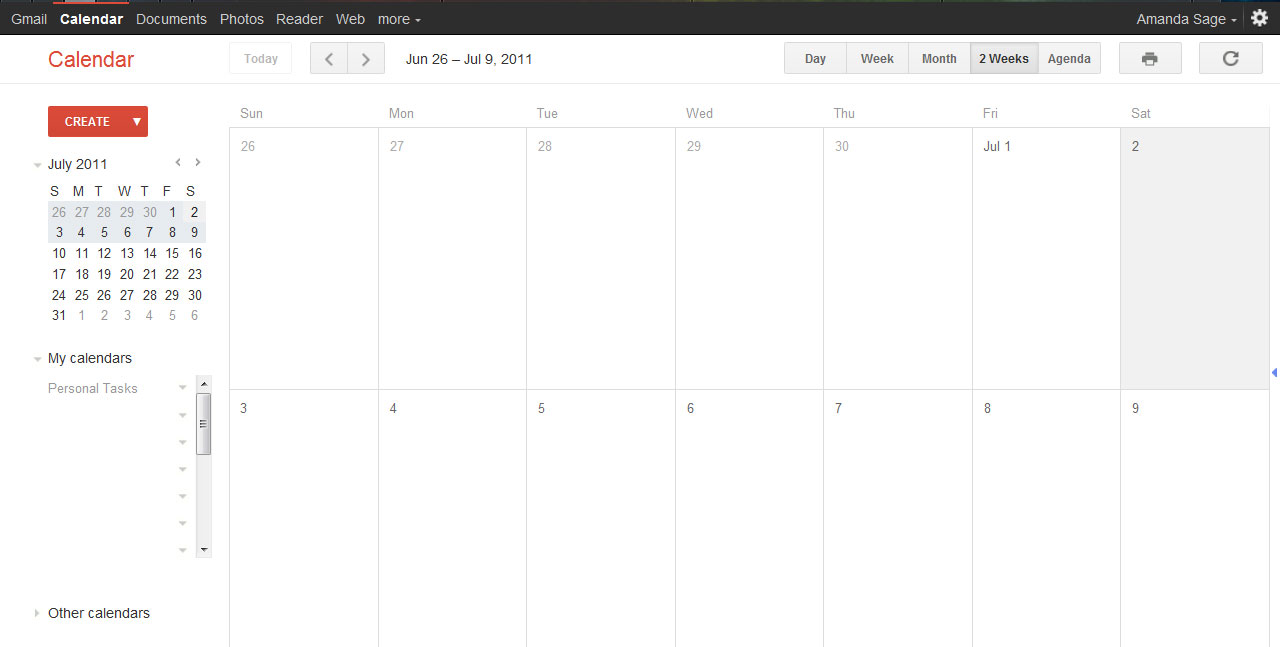
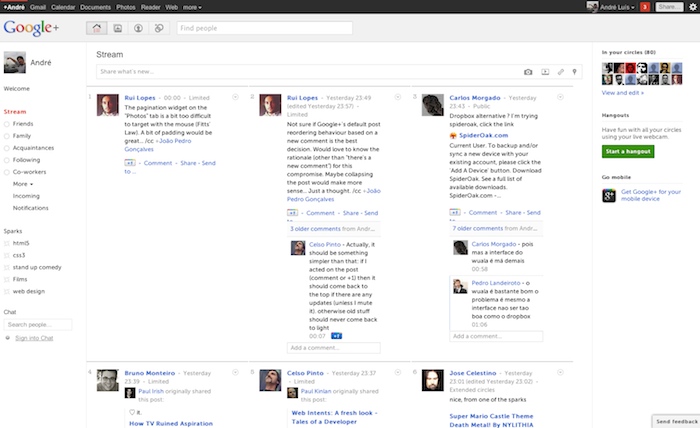
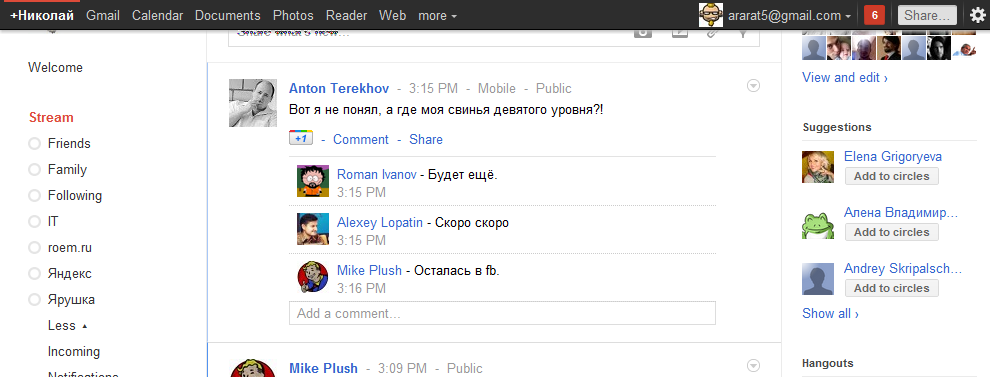
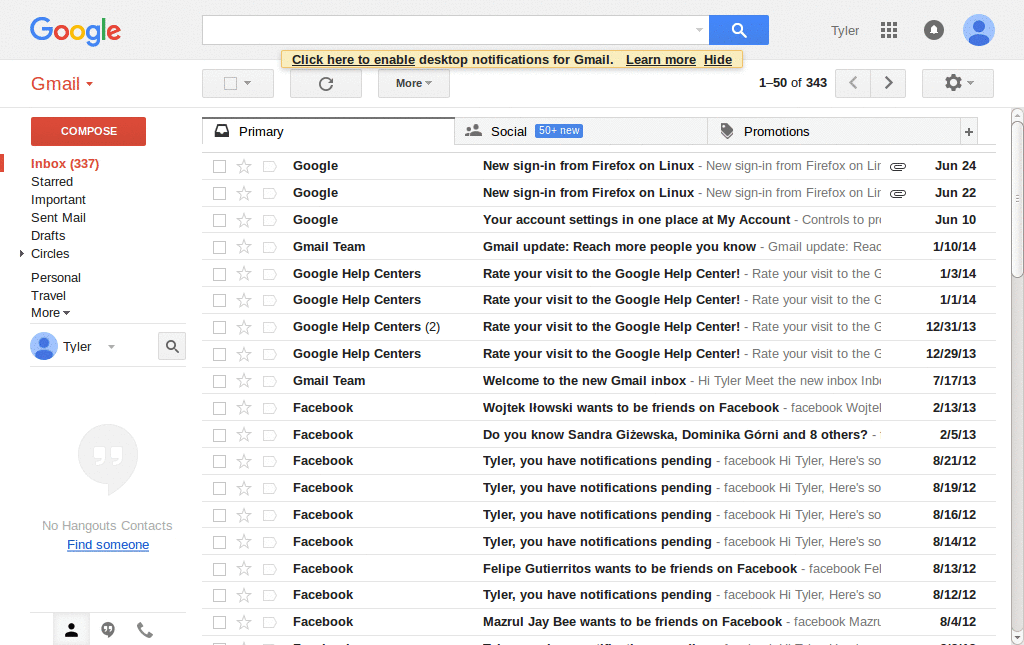
a fix of the "Google - widen the searches display" - style
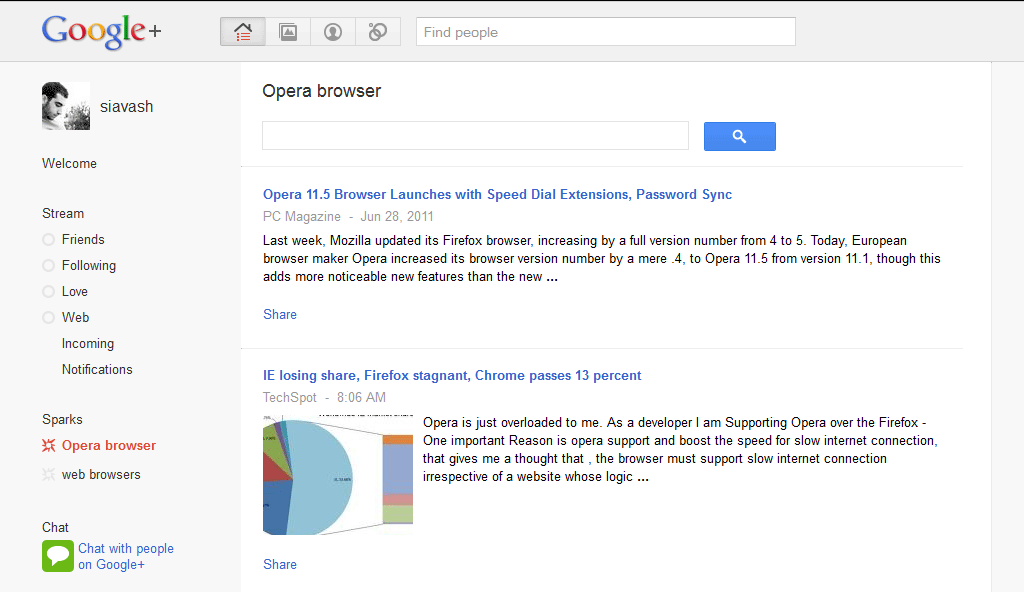
A very simple script with the sole function to remove the line breaks at viewing the feeds. Because the script is simple and specific, it preserves the Google Reader, which remains working 100% even when receiving small updates to Google.
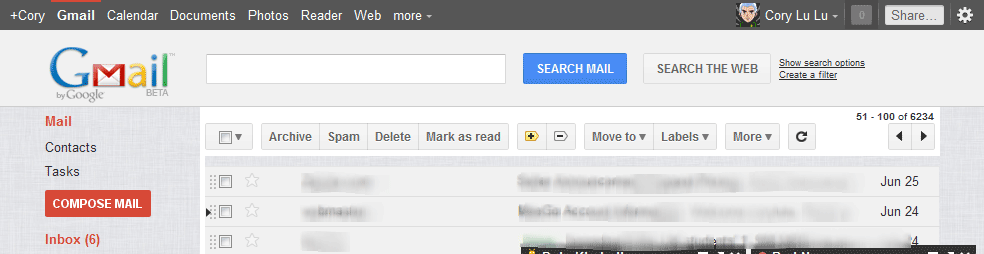
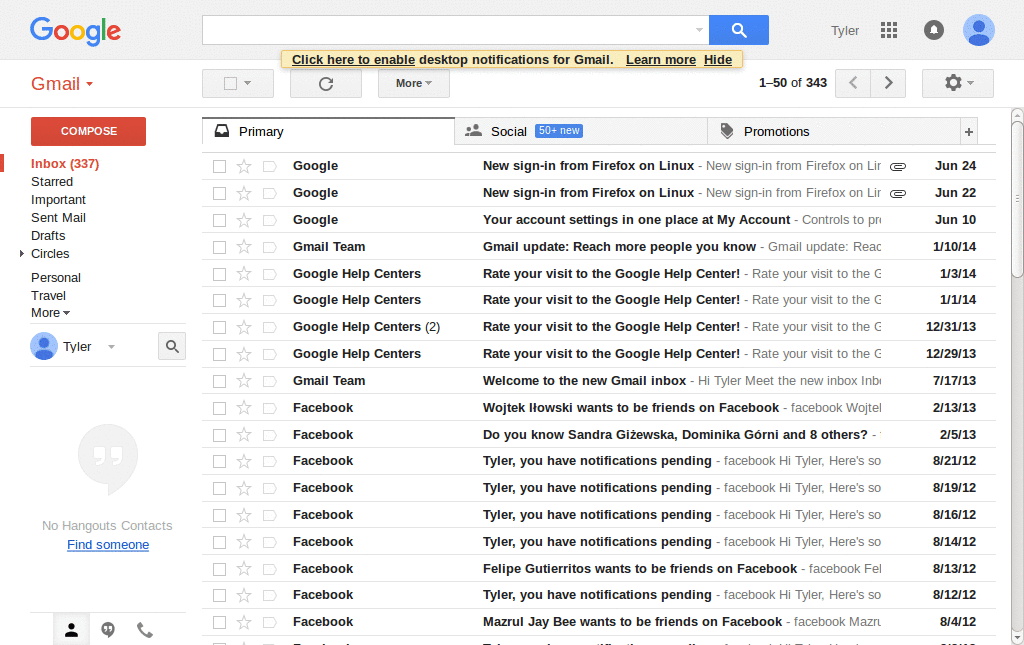
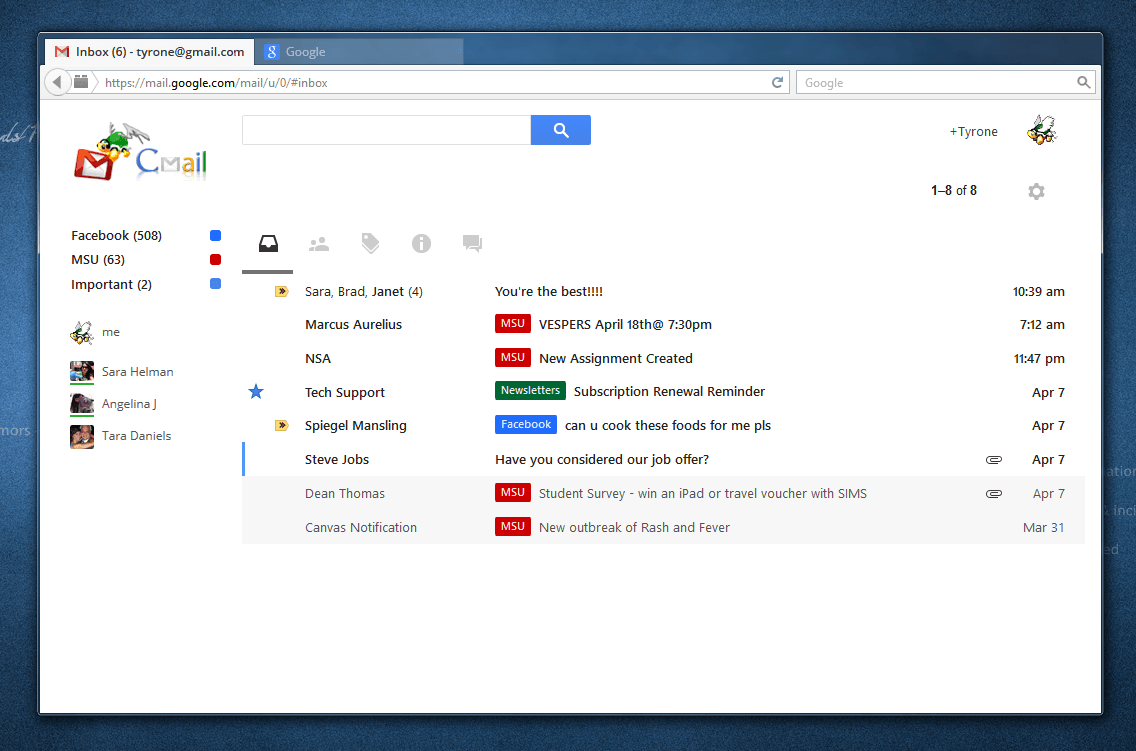
A collection of gmail styles and fixes. Based off the following scripts: * BurnOmania's Gmail style (http://userstyles.org/styles/5077) * Fixed Navigation for Gmail (http://userstyles.org/styles/5481) * Hide Invites (http://userstyles.org/styles/4724) I am also running the following: * RememberTheMilk for Gmail (http://www.rememberthemilk.com/services/gmail/) * Gmail Multi-Login (http://userscripts.org/scripts/show/16341) * Folders4Gmail (http://userscripts.org/scripts/show/8810) * Quicklinks (Gmail labs) I am not a professional coder. I've done my share of CSS work, but I can't promise I will be able to address specific issues or provide updates. I loved the original scripts listed above and wanted to be able to use them in conjunction, so I threw this style together, going in to fix the little conflicts that inevitably result. But because I am not a coder, I can't guarantee it will work in all computing environments. If you run into anything, or if you have any id
Removes the ad/quote just to the right of the "Compose" button. Also removes the seldom used "Search, Add, or Invite" text box. I have been trying to see if I could find some way to kill these two birds with one magical-CSS-stone, but alas I couldn't. Its a pity you can't nest :not() selectors inside of each other, as that is the only way I could think of to get some OR-logic going on. I am using the Google Redesigned extension in screen-shots. http://www.globexdesigns.com/gr/ This edit - One class name now seems to change depending what exactly you are viewing. Generalized to compensate. Apr 14 2009 - One class name got changed. Mar 15 2009 - Completely reworked after Google renamed all of their classes to things even less humanly readable.
This style removes the ad panel from Gmail or Google Apps Mail, relocates the action links (Print all, new window, etc.) from the side bar to above the mail subject, and widens the mail content area. ****** DEPRECATED ****** This is not working anymore after the update that brought the "People" widget in the right side column. It may be replaced by GMail - People Widget Drawer (with ad blocking).
Google Aero! - Icon Pack
Makes gmail chat more compact by reducing space between lines, also making messages like "sent at 2:38" more compact You can also have more space by uncommenting the font modifying row in the script. Use the source, you can tweak the height of the chat window also. Note: you can see the timestamp after installing it (but I compressed the png, that's why you cannot see on the screenshot) You may also be interested in More text from messages in Gmail list view by me, and Google Reader: 30% more items on one page by thowi You can leave comments on the page
Hides the 'Add a subscription' button found at the top of the navigation menu of the new Google Reader layout. Works on both the navigation pane and drop down menus. You will still be able to use 'Add a subscription...' from the smaller drop down on the Subscriptions list. Goes nicely with: Google Reader: Header Hider Google Reader: hide 'Manage subscriptions' link Google Reader: hide 'People You Follow' sidebar Google Reader: hide 'Recommendations' sidebar
با تغییرات جدیدی که روی گوگل ریدر و گوگل پلاس اعمال شده، من هم اسکریپت Stylish که نوشته بودم را کمی به روز کردم تا بتوانم گودر جدید را تحمل کنم. برای بهبود ظاهر گوگل پلاس هم از اسکریپتی که nimanb روی این آدرس: http://userstyles.org/styles/55542/google-ordered-view-with-tahoma-font نوشته بود، کمک گرفتهام.