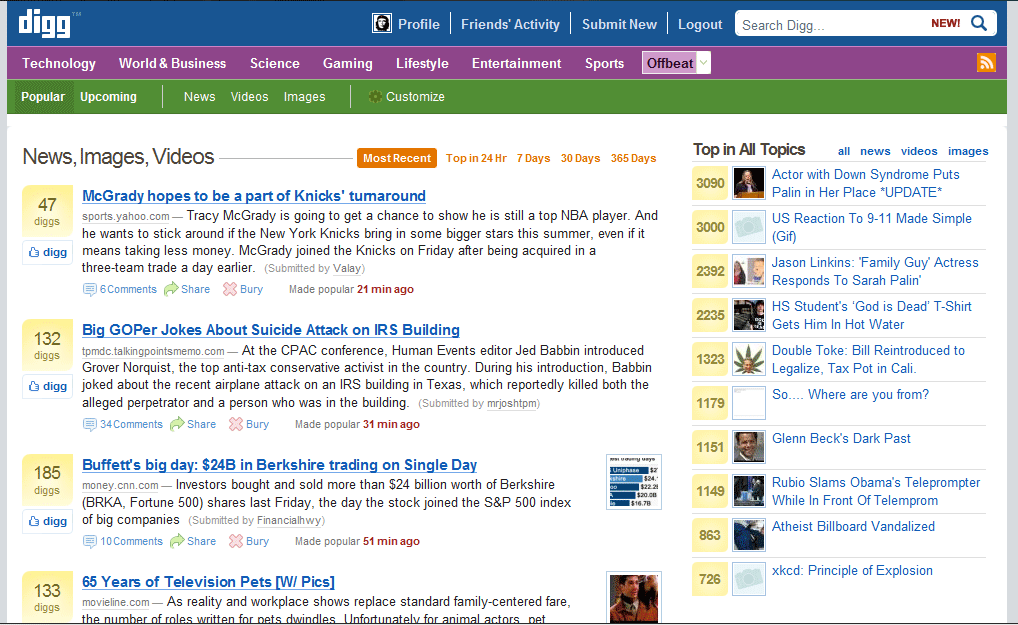
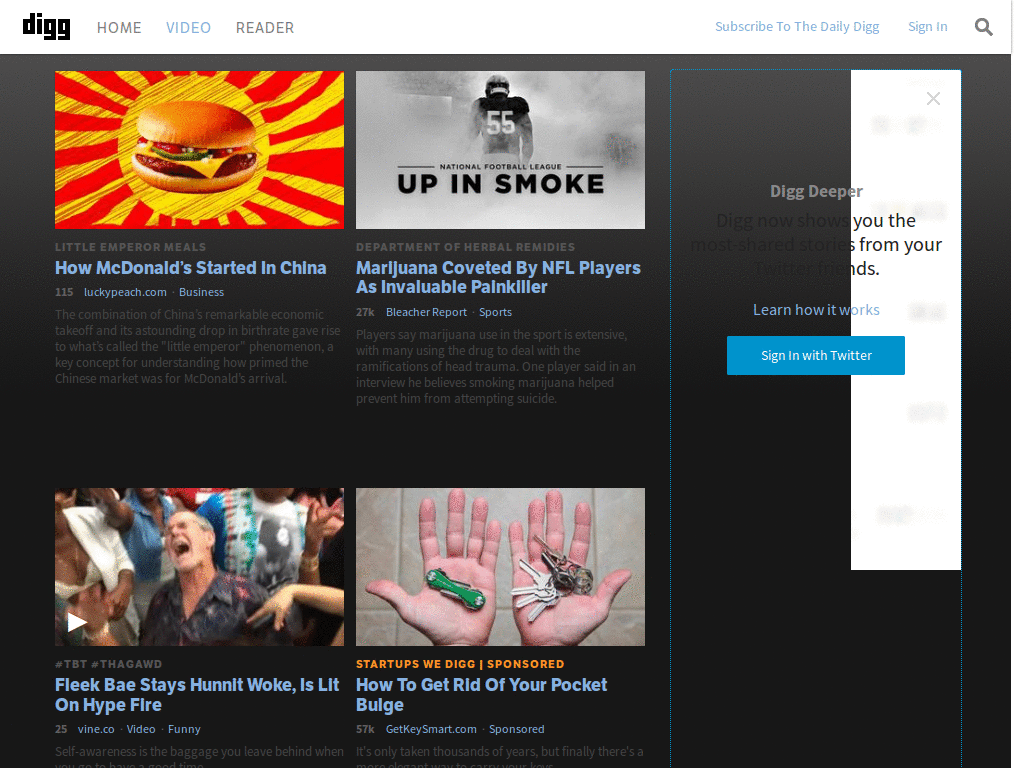
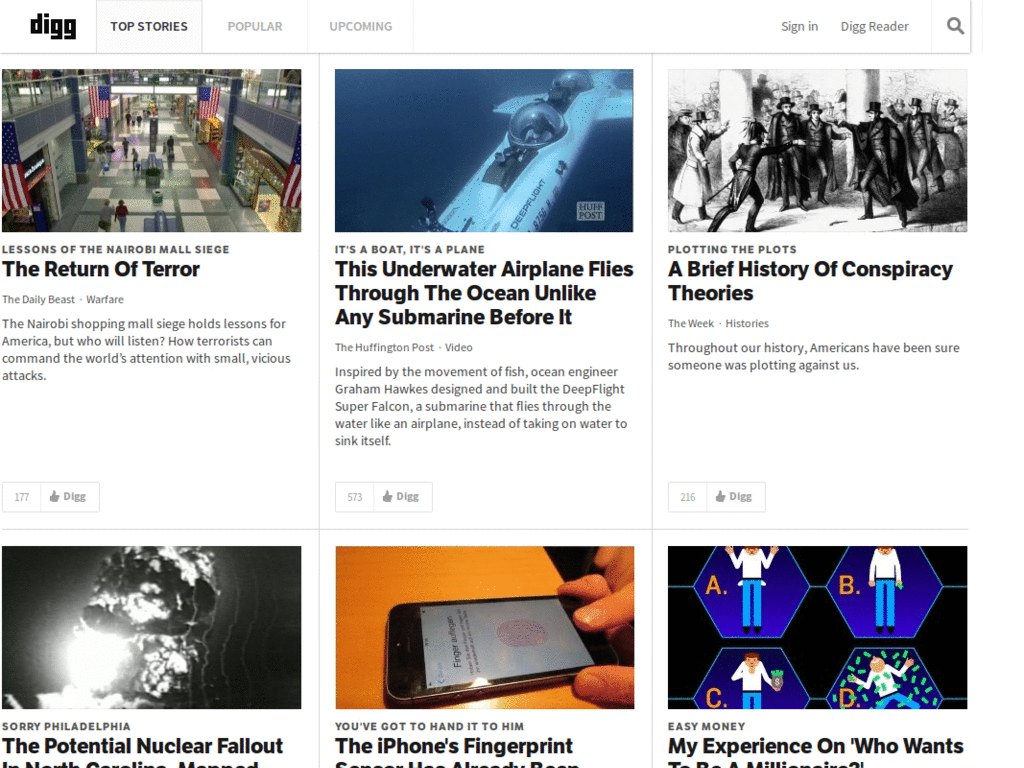
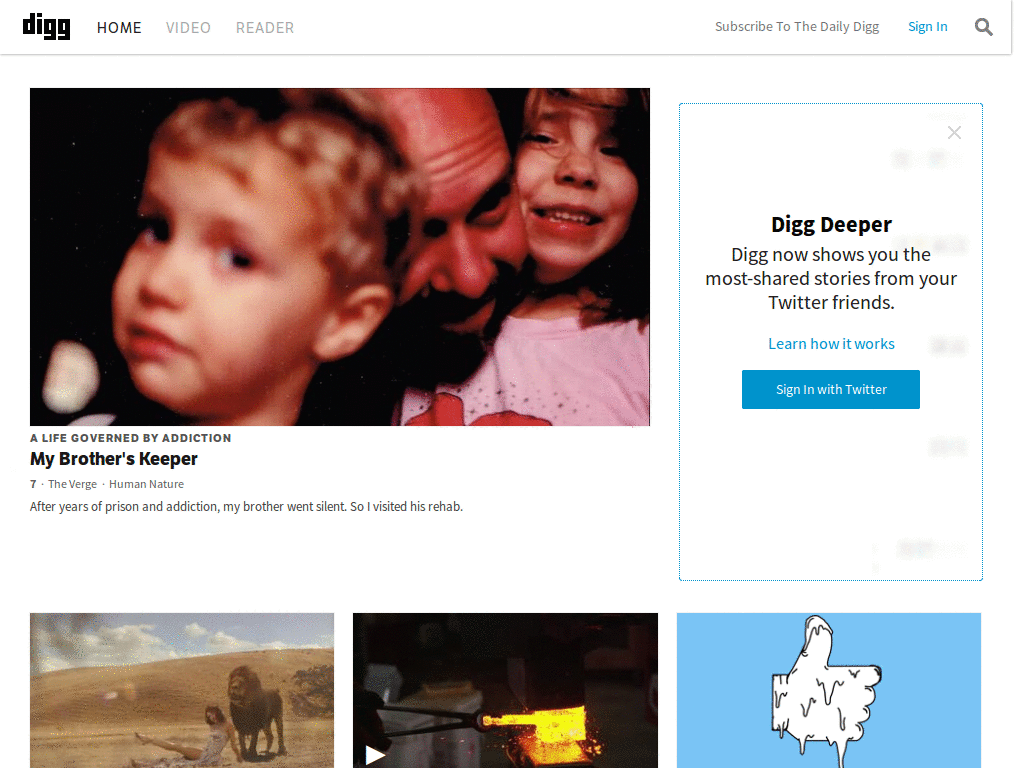
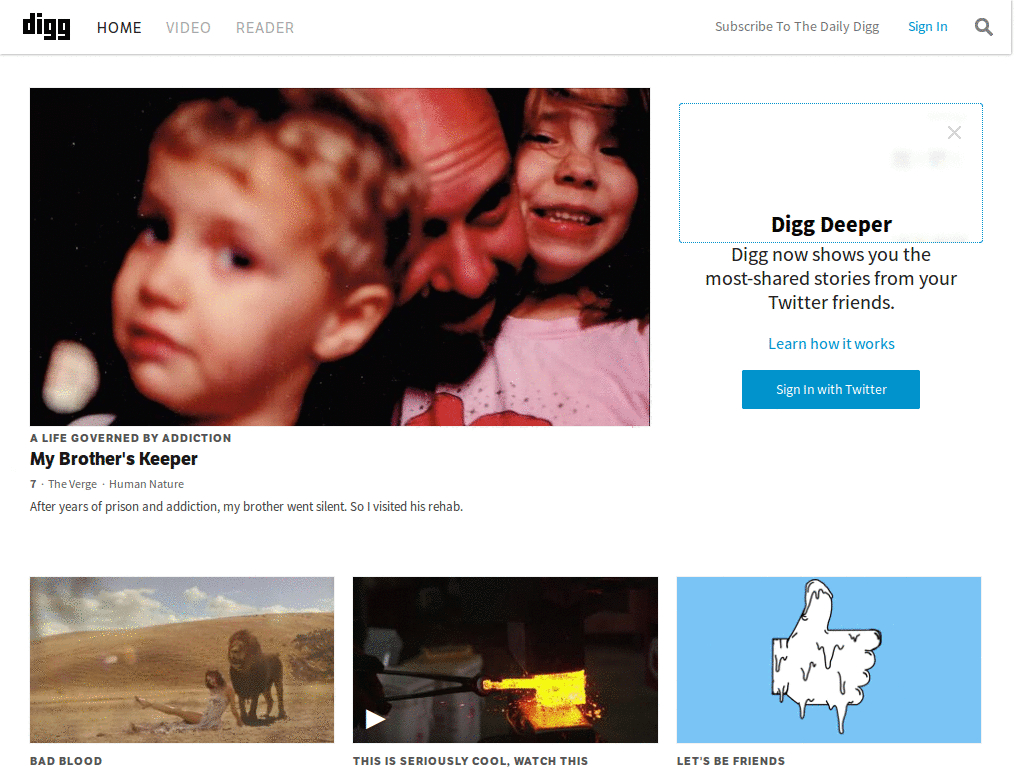
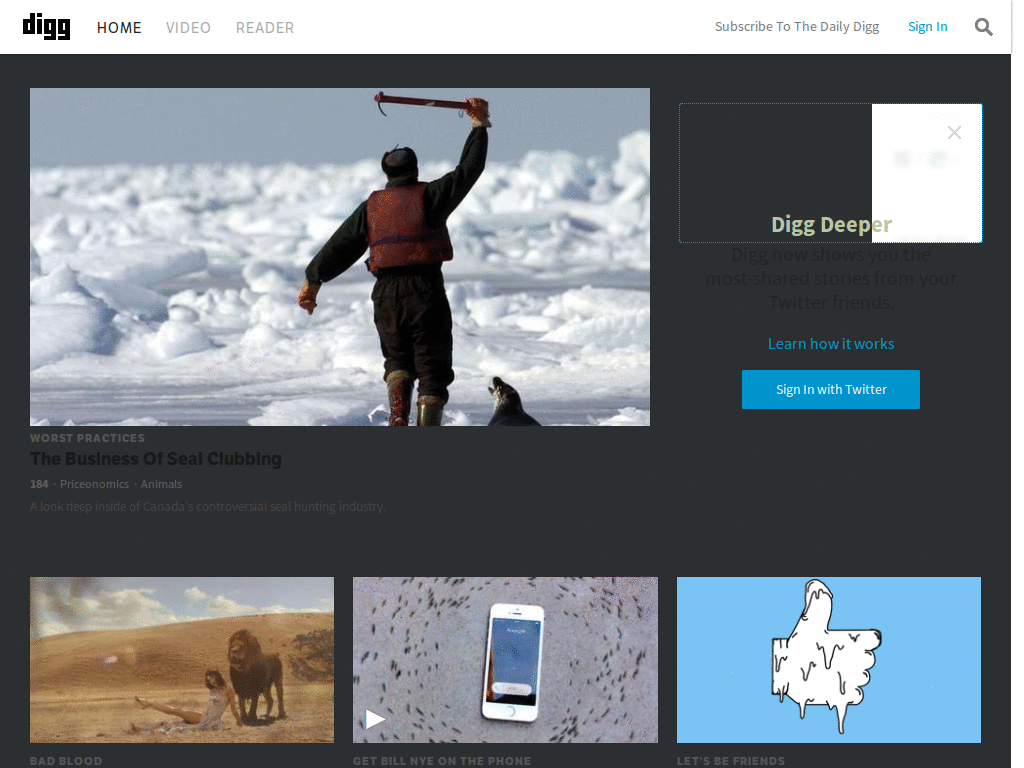
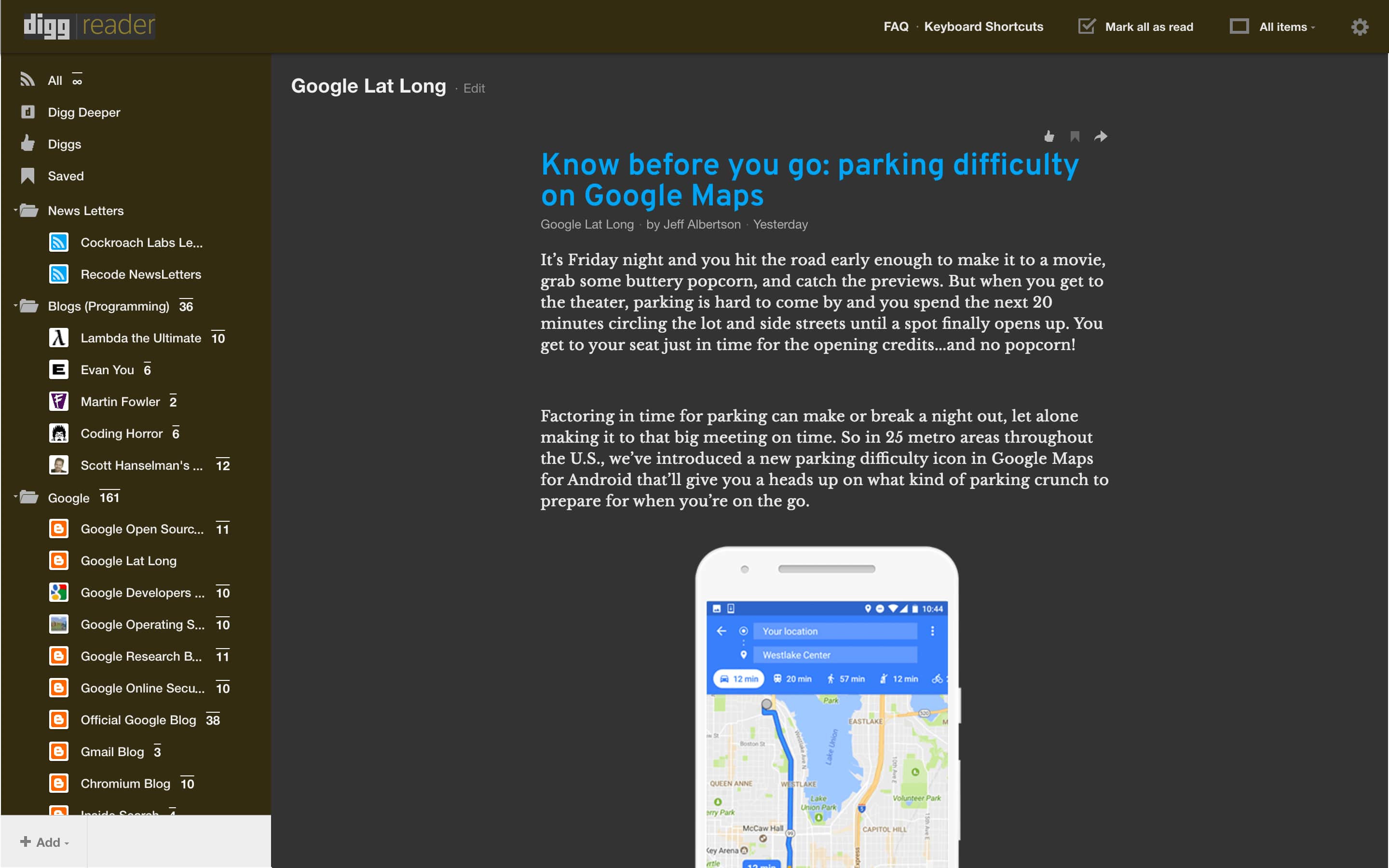
"I always hated light color design, makes my eyes hurt when i'm sleepy." aug 30 - I just uploaded what I've styled already for the recent changes, it's not finished though.
This is a green theme for digg that is based on Digg v3 - fluid width + tweaks + right sidebar by pile0nades , it retains the sidebar on the right and fluid width.
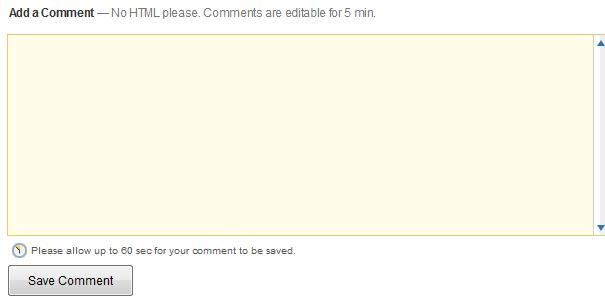
based on Digg.com - Dark gray design by josdigital and Digg.com - Dark gray design UPDATE (23/05/2008) by hinesh updated: Jan 25, 2010 fixed comments section. everything should be beautiful again. You might also like: Beautiful Facebook or: Beautiful Twitter
This is basically just Schrade (http://userstyles.org/styles/1776) Digg style but updated to work with the latest version of Digg (as of 8/28/07).
Google changes this page up so much its tediuos to keep the style up to date but this one works as of Febuary 2010 This style works on the classic igoogle theme and changes the other google search pages Update 1: added tabs support (I recommend using New iGoogle - Hide The Sidebar, etc. to hide the tabs, i find them useless)
On digg.com/video and digg.com/podcasts, the video icon is inside the Digg button. This moves it next to it instead.
//** EDIT: All you need is this script and not the original so ur list doesn't get clustered NOTE: the before and after screen shots are the updated version This is an update for Digg.com - Dark grey design It can found at: http://userstyles.org/styles/1559 \\SCREEN SHOTS// http://img368.imageshack.us/img368/3649/digg3xd2.gif - General http://img368.imageshack.us/img368/1519/digg4bh0.gif -Comments box http://img399.imageshack.us/img399/2746/digg5vs1.gif - Title bar (under construction)
This style makes digg.com look like the digg blog...More dark!! Screenshots http://i7.photobucket.com/albums/y277/devil_dreg/Preview2.jpg http://i7.photobucket.com/albums/y277/devil_dreg/digg-button.jpg UPDATES 01/09/07 - This Updates includes: Black Nav bar, New digg button look, Link colors & a few minor tweaks (Sorry for being slow update...I was busy) TO-DO Fix off site digg buttons "Friends that dugg this" icon on digg button (Image replacement) Make it work on all resolutions More info on the forum(http://userstyles.org/forum/comments.php?DiscussionID=446&page=1)
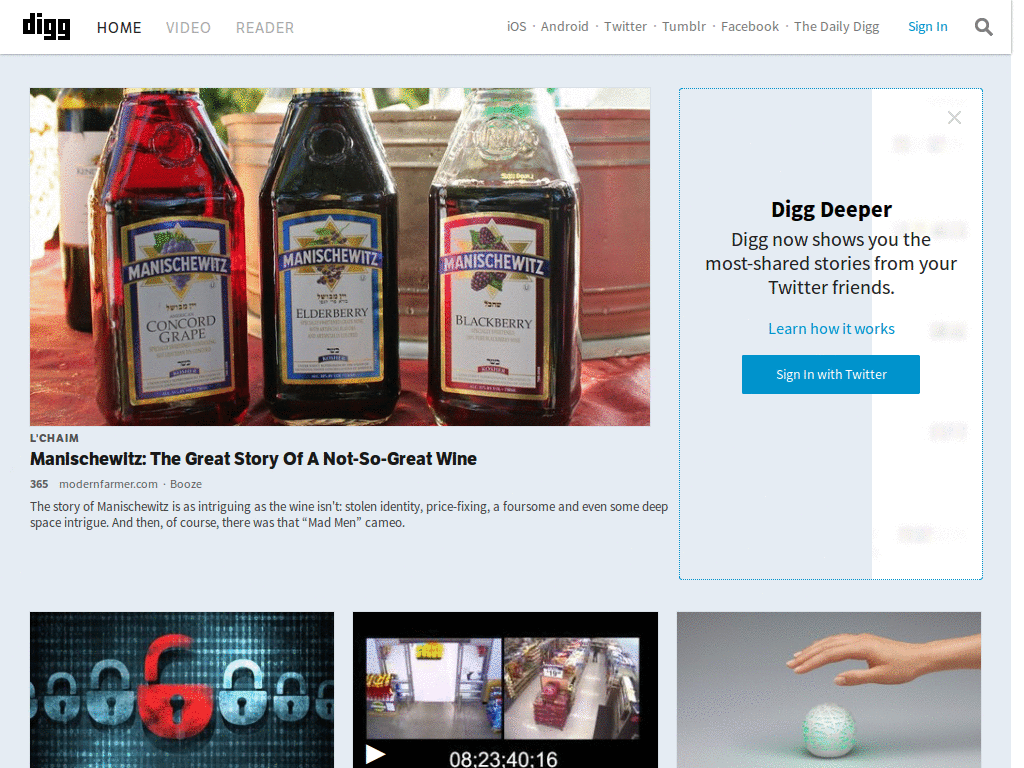
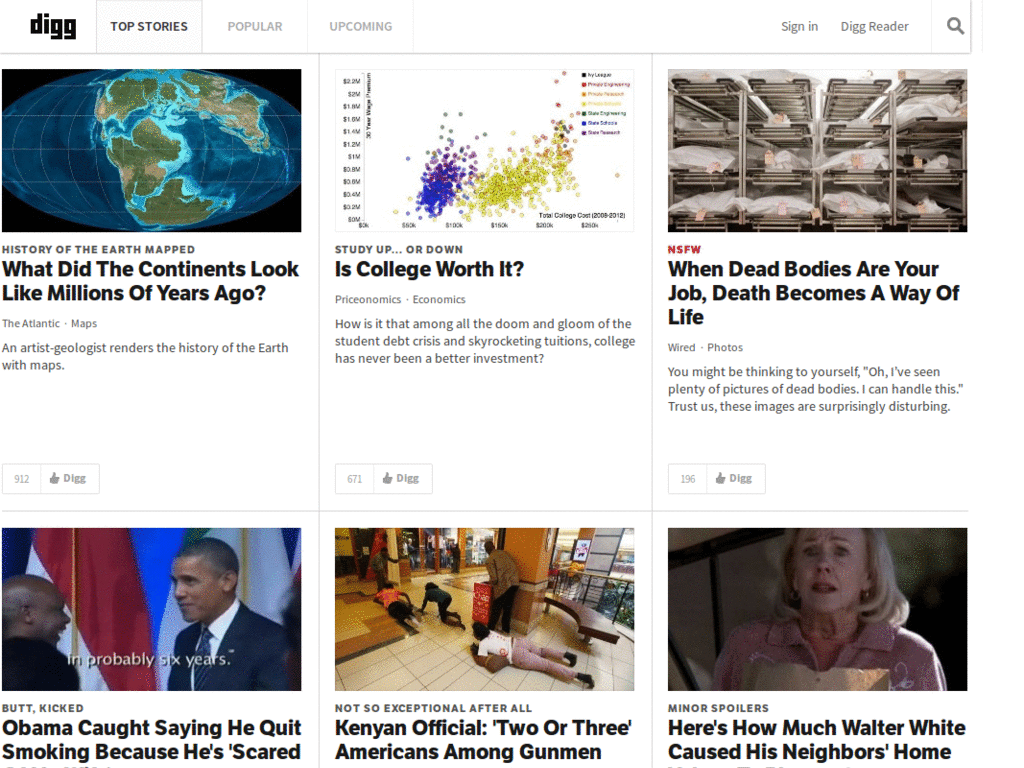
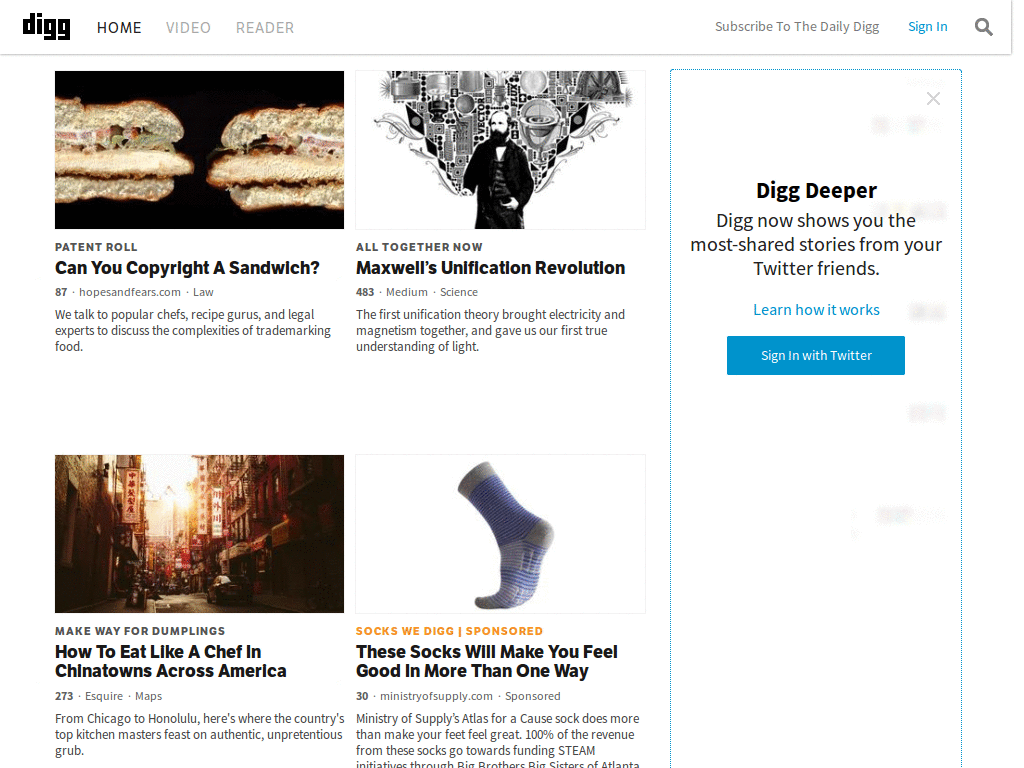
http://digg.com/ just the stories, nowt else (:
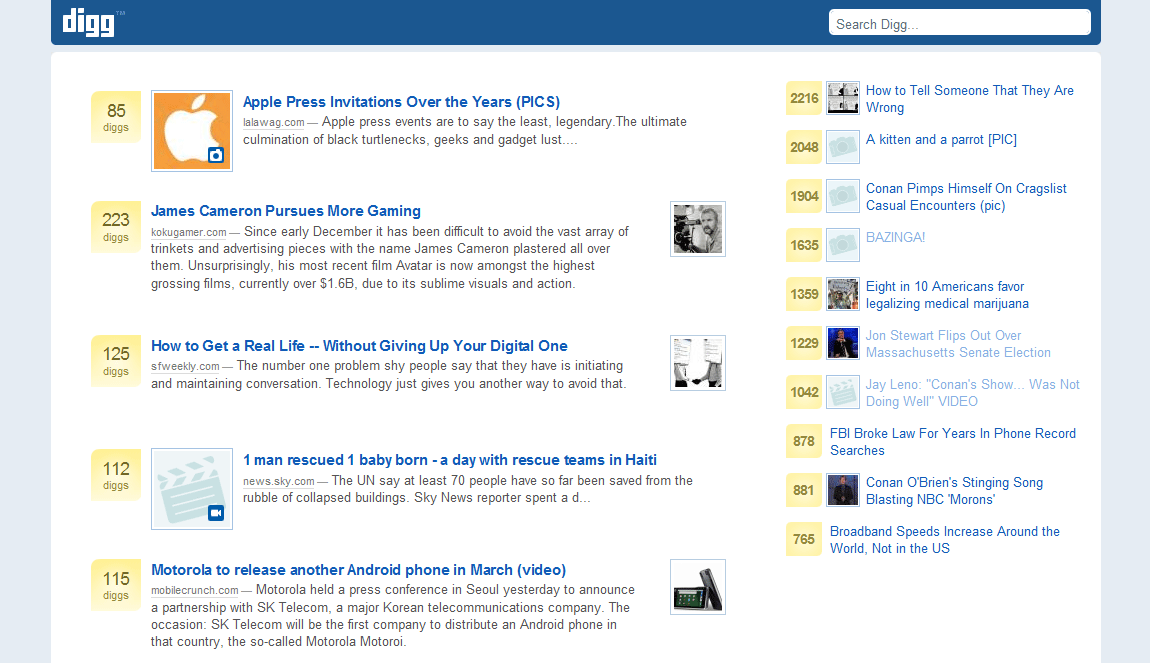
================================== UPDATED FOR DIGG'S NEW LOOK - DECEMBER 19, 2006 - SEE NOTE BELOW! ================================== Do you want a clean, quick way to read Digg's headlines, without all the arrows, icons, and other interactive stuff cluttering up the screen? Digg 3.0 - Stripped to the bones is clean and simple -- Digg 3.0 stripped of everything except search form, headlines (fluid display), "submitted by" times, summaries, and prev/next numbers/links. Visited headlines are colored gray. And fluid design allows it to resize to your current window size. I use this myself. It only takes a second to turn this style off, select one of Digg's sub-categories (like Technology or Linux or Videos) and then turn this style back on again. Don't forget to also try my other style: Reddit - Stripped to the bones. Don't forget to also try my other style: Drudge Report - Stripped to the bones. =========================================== DON'T FORGET TO VISIT MY WEB SITE: http://www.ComputerBob.com ==========