userstyles.org - Cad-comic themes and skins

Ctrl-Alt-Del - Ad Removal

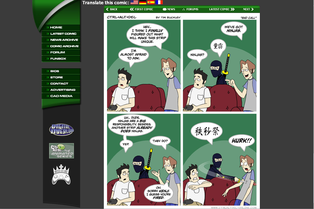
Removes the adverts from the ctrl-alt-del site and reformats the content to use the space that gets freed up. On non-comic pages, the main box is resized to fill the entire width and on comic pages the comic box is moved into a more central position. Works both with and without AdBlock and fixes the misalignment that using AdBlock normally causes with the header.

Updated: Aug 6, 2007 Installs This Week: 0 Average Rating: Good
CAD v4 Ad-removal, site cleanup

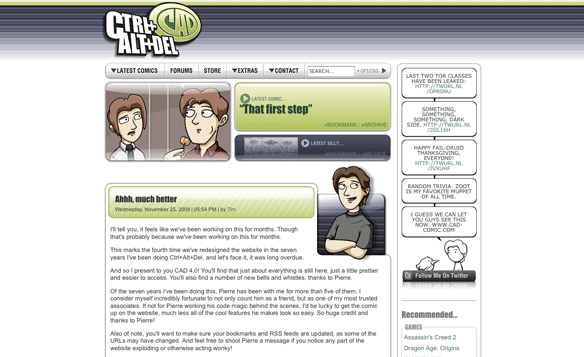
Removes a lot of the ads and ad boxes. Then it removes the space those took up, and re-centers the narrower column. No ill effects on any page as far as I could tell. Enjoy the new CAD v4!

Updated: Nov 27, 2009 Installs This Week: 0 Average Rating: Good
CAD no Ads

Ctrl+Alt+Del comics ad remover Update:weird piece of an ad on the right side Update2:the new blind ferret ads have been removed Update3:whole lot of flash ads popped out and have been squashed Update4:update for the new version Update5:had to do something about the way things aligned, looks much better now

Updated: Nov 27, 2009 Installs This Week: 0 Average Rating: N/A
Ctrl + Alt + Del (CAD) - Remove Top Bar and Ads

Remove the header across the top to allow the entire comic to fit on the page without scrolling. Also removes the right-side column containing ads. Note: this will remove the links "PC Games • Xbox • Xbox 360 • PS 2 • PS ..." across the top. You can go there by clicking on CAD media in the left sidebar.

Updated: Jan 26, 2008 Installs This Week: 0 Average Rating: N/A