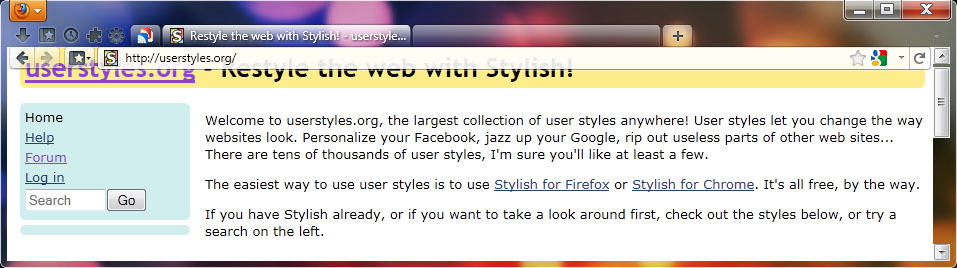
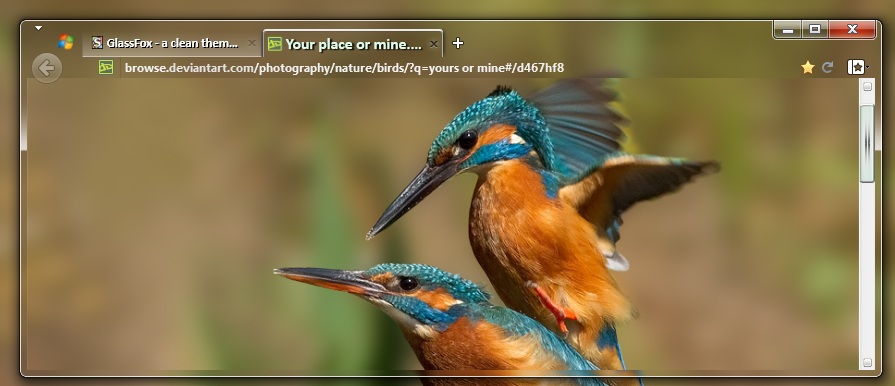
Compilation of a bunch of Glass/Transparency styles. Requires Glasser extension, and a modification to one of Glasser's files: Taken from Personal Toolbar - Transparent, for bookmark toolbar transparency: %appdata%\mozilla\firefox\profiles\(click yours)\extensions\glasser@sixxgate.com\chrome\content\dwmoverlay.xul ... whew! (Note: You can get to %appdata% by pressing windows+R or going to Start:Run and typing in %appdata% and pressing return) Change to You have to restart Firefox to see the effect.
Accompanying YouTube tutorial : http://www.youtube.com/watch?v=l3OOdjAtKEU Using a combination of code culled from a great number of places, I have made this theme. You can either install it using Stylish, or save it as your userChrome.css file in your Firefox profile (http://support.mozilla.com/en-US/kb/Profiles - in your .default\chrome folder). I'm sure there are still a few things to change in it, and I shall hopefully be updating this in the future. Note : I am using the default Firefox theme, with Small Icons enabled. The toolbar shown is what once was my Menu Bar - replaced by Micro Menu. After installing Micro Menu I then dragged my location bar and buttons up to the space previous occupied by File / Edit / Tools / View etc. This theme will likely not work if your toolbars are not setup in the same way. To achieve the results shown in the result image below, I have the following Firefox addons installed: Hide Caption Titlebar Micro Menu Fission Thank you t
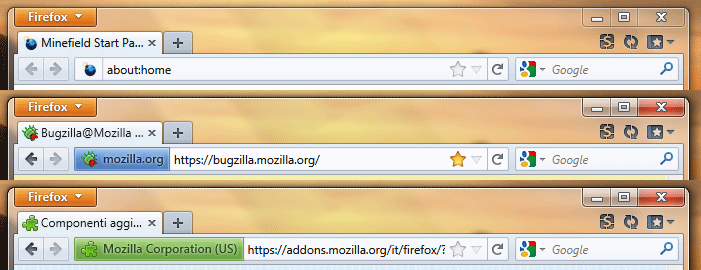
Frustrated with the inability of the default Strata theme to integrate well into Windows Vista/7, I decided, having taken inspiration from Daum Blue, Google Chrome and IE8, to make my own! Here is the fruit of my labours. First Wave works with Windows 7, Vista and XP, using the native icons. Change log: 29/07/2009 - fixed issue with verified domains not showing up in the address bar. 29/07/2009 - changed menu items' hover to be less squashed. Suggestions? Please leave feedback (especially if you would like a compact version, which I'm thinking of doing.)
Customization for the OTHER about: pages. So keep your current about:blank 'cause this is for the other guys. Looks best with firefox 3.5+. Full size "After" screenshot: http://img443.imageshack.us/img443/165/previewn.png UPDATES: [8/05/2009] - Added about:licence and about:rights The entire Wb Aero Theme: Wb Aero (Glasser) - Menu and Navigation (3.5b99) Wb Aero - Status Bar Wb Aero - Bookmarks Toolbar Wb Aero - AIOS All-in-one Sidebar Wb Aero - DownThemAll! Wb Aero - about:
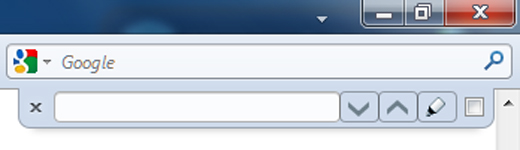
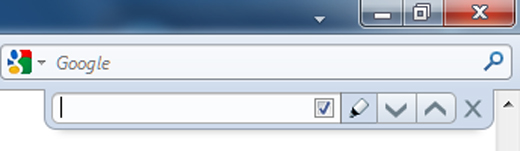
Findbar - Changes the text word Find to a Binocular icon. ● If the word Find in your findbar is in another language: Then change the word Find in this code: #FindToolbar [value='Find:'] to your language.
On Windows, 'empty' location bar and search bar displays italic-style text. This style disables that. Based on feedback by FrasierCrane here: https://addons.mozilla.org/en-US/firefox/reviews/display/6278#review-150668
*** This style should work with any theme. *** This style will make certain items in Firefox transparent until hover: - Every toolbar button - Menu bar - Location bar (including buttons) - Search bar - Bookmarks Toolbar items - Tab bar elements (text, icons, etc.) - Status bar items - Scrollbars
Note: This is only for Windows and Linux users. If you're using OS X, you can find the Mac version of this style here: Vfox3 - More Safari-like (Mac OS X) Tweaks the Vfox3 theme to look more like Safari 4. Before installing this style you need to move the stop and reload buttons to the right of the URL bar, and put the reload button to the right of the stop button. Here's what it changes: General tweaks: Makes the status bar shorter Merges the stop and reload buttons into a Safari-style stop/reload/throbber button in the URL bar Puts the close button on the left side of tabs Only shows the close button when there are multiple tabs open and one is hovered over Hides favicons on tabs Shows throbber on the right side of tabs when pages are loading Removes the tab list button from the tab bar Removes the go button from the URL and search bars Removes the bookmark star and drop-down marker from the URL bar Prevents the identity box from expanding Replaces the search engine icon with the Safari
Fx only, Vista. Works, see the pic. For Tab Mix Plus forum: http://tmp.garyr.net/forum TMP forum Concrete
Deletes favicon from the Firefox addressbar