Just a fix for Iconic MenuBar - Crystal SVG(http://userstyles.org/styles/1123) See screenshots
Adds icons to the menubars. If you want the menubar to be all icons with no text, install Icons-Only Menubar in addition to this style. Uses icons from CuteMenus - Crystal SVG (mostly Crystal SVG icons). Supports Firefox, Flock, Thunderbird, and (somewhat) Sunbird. Sunbird support should work fine if you replace the images with local (or chrome) files. Supported extensions: Adblock Plus, Calculator, Chipmark, Compact Menu, del.icio.us, DOM Inspector, EditTXT, FastEdit, Firefox Google Bookmarks, HyperBK, More Tools Menu, MR Tech Local Install, PlainOldFavorites, SamePlace, Split Browser, Tabs Menu, Testo - Text Editer, and Tiny Menu. Remove the specific related -moz-document line at the beginning to de-iconify any specific window. The -moz-document is actually currently not needed at all, so you can remove it entirely if you want this to apply anywhere regardless of whether or not support is claimed. Simply replace the url next to the correct list-style-image (I've marked each one t
Sliding iconic menu + toolbars buttons closer adjustment for "Smart Stop/reload" extension "CuteButtons - Crystal SVG" extension
Simply showing the text as well as the icons for Fra Diavolo's Sliding Iconic Menubar for Firefox 3. Done by commenting out the "/******** Icon only on Main Menu *******/" section. All credit goes to Fra Diavolo. Sliding Iconic Menubar for Firefox 3 found http://userstyles.org/styles/4180
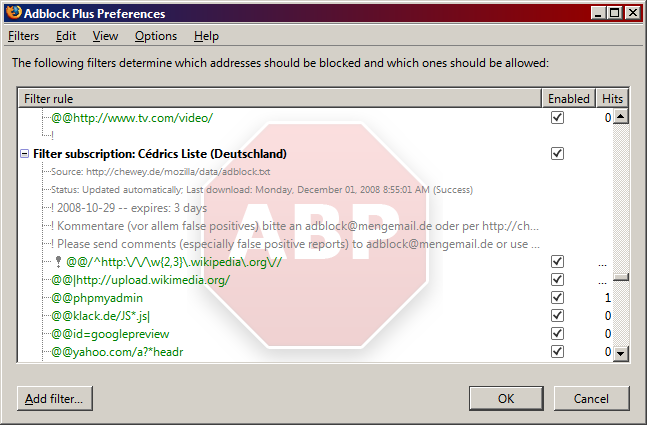
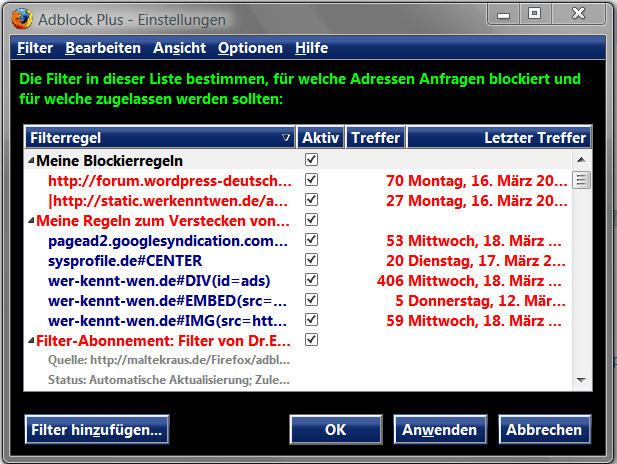
Allows you to Customize the text and background image of the Adblock Plus FilterList. Features: + Background image will be a faded ABP Red logo with shadowing + Supports a huge list of Fonts (discussed below) + Image supplied in default code is hard-coded - allowing you to view the background, even when offline! + Background image is static and is centered on the window. = Optional - Text size of the update details will be larger (must uncomment) = Optional - Bold text for easier readability (must un-comment) Fonts Supplied (Supported): - Currently, I supplied the following Fonts in the Code: 1. Segoe UI (User Interface of Vista) 2. Calibri (Text of Vista) 3. Verdana (XP Font) 4. Helvetica (XP) 5. Tahoma (XP User Interface Default Font) 6. Arial Global Font Applies to: + ABP Filter List + AdblockPlus Preferences + Filter Subscription Page + Ad Blocking Options Browser Versions: - Works on Firefox 3 - Works on Firefox 2 Additional Information: + Feel
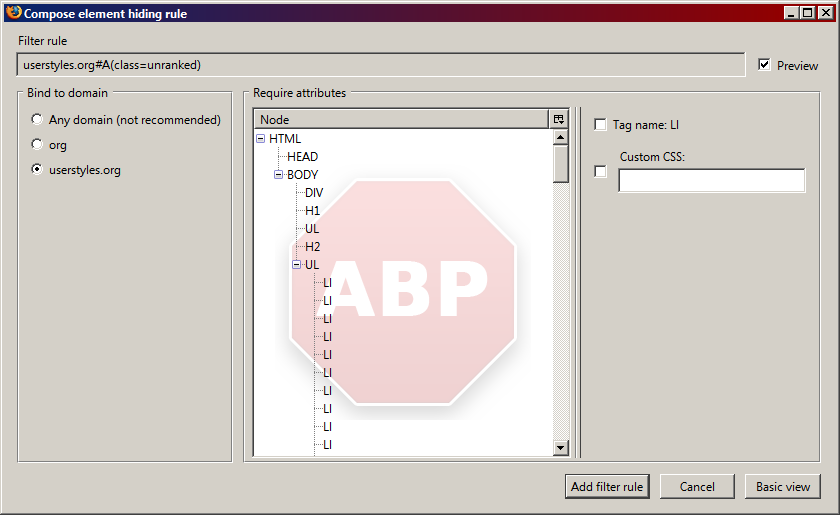
Allows you to Customize the text and background image of the Adblock Plus: Element Hiding Helper (FilterSet Generator). Features: + Background image will be a faded red ABP logo with shadowing + Supports a huge list of Fonts (discussed below) + Image supplied in default code is hard-coded - allowing you to view the background, even when offline! + Background image is static and is centered on the window. = Optional - Text size of the update details will be larger (must uncomment) = Optional - Bold text for easier readability (must un-comment) Fonts Supplied (Supported): - Currently, I supplied the following Fonts in the Code: 1. Segoe UI (User Interface of Vista) 2. Calibri (Text of Vista) 3. Verdana (XP Font) 4. Helvetica (XP) 5. Tahoma (XP User Interface Default Font) 6. Arial Global Font Applies to: + ABP Filter List + AdblockPlus Preferences + Filter Subscription Page + Ad Blocking Options + Filter Rule - Compose Element Hide Rule Browser Versions: -
This is a Iconic Menubar - Crystal SVG mod from myself to look better firefox 3.5 (i use 3.5.4) whit ubuntu 9.04, strata40 theme and stratabuddy addons Symple made smaller the toolbar, make white the menu text on focus and other stuff
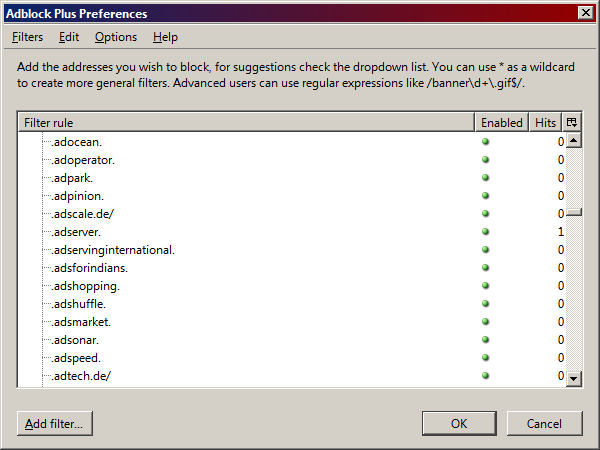
Adblock Plus Preferences Compact More space on Adblock listbox
Changes the status bar icon graphics for Adblock Plus v0.6.1.1 and up to the old style that was in Adblock Plus v0.5.11.2.
Does exactly what it says on the tin.