The recommended way to install user styles is to use Firefox with Stylish.
If you already have Firefox with Stylish, make sure this site is allowed to run JavaScript.
You've installed this user style in Stylish. To uninstall it, open the Tools menu, choose Add-ons, click the User Styles panel on the top, click on the entry for this user style, and click Uninstall.
Like customizing Firefox? Customize your new tabs with New Tab King.
You've installed this user style in Stylish. To uninstall it, open the Tools menu, choose Stylish, and remove the entry from there.
You've installed this user style in Stylish, but a newer version is available.
To uninstall this user style, open the Tools menu, choose Add-ons, click the User Styles panel on the top, click on the entry for this user style, and click Uninstall.
Like customizing Firefox? Customize your new tabs with New Tab King.
The recommended way to install this user style is to .
April 3, 09: Fixing up a couple of minor things which have popped up recently as facebook tweaks the new homepage layout.
March 12, 09: Update - blah - why are they trying to turn facebook into twitter? Updated to remove some more random annoying sponsored link things which have popped up with the new layout. Will update more as anything else comes up with the new layout.
March 11, 09: Update - Came across something new today. Facebook has apparently started adding polls/market research things in the live feed. These should be removed as per this update.
August 28th, 08: Update - facebook changed their code slightly, which caused the story feed to be aligned to the right hand side of the page when using this style. Fixed the style so that everything is aligned back to normal.
Also, this same change seems to have added extra white space between the story feed on your profile page, and the status update input bar. If you want to get rid of this extra whitespace, simply uncomment the very bottom part of the style.
August 7th, 08: Update - came across one more sponsored ad and removed it with the, ".feed_item.clearfix.social_ad.social_ad_no_full_clickable" selector.
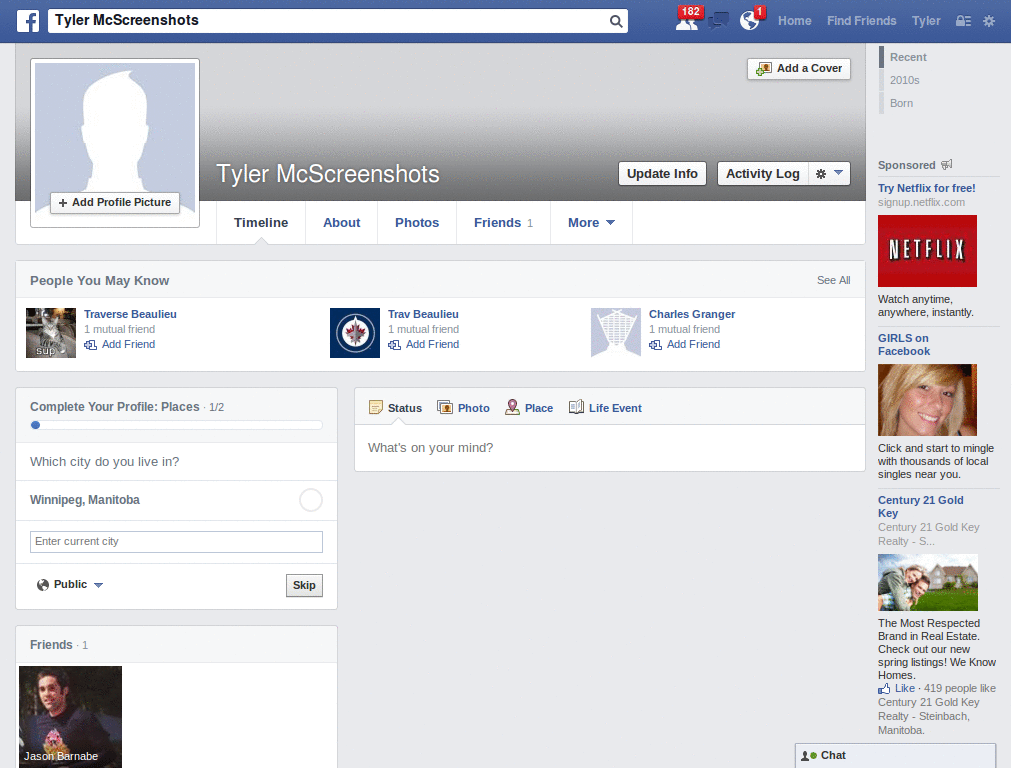
This is just a quick little style that removes the advertizements, and some of the sponsored links from the 'New Facebook' design. I'll update it as I find any ads that I missed removing.