The recommended way to install user styles is to use Firefox with Stylish.

If you already have Firefox with Stylish, make sure this site is allowed to run JavaScript.
You've installed this user style in Stylish. To uninstall it, open the Tools menu, choose Add-ons, click the User Styles panel on the top, click on the entry for this user style, and click Uninstall.
You've installed this user style in Stylish. To uninstall it, open the Tools menu, choose Stylish, and remove the entry from there.
You've installed this user style in Stylish. To uninstall it, click the wrench icon, Extensions, click Options beside the entry for Stylish, and click delete for the appropriate entry.
You've installed this user style in Stylish, but a newer version is available.
To uninstall this user style, open the Tools menu, choose Add-ons, click the User Styles panel on the top, click on the entry for this user style, and click Uninstall.
The recommended way to install this user style is to .
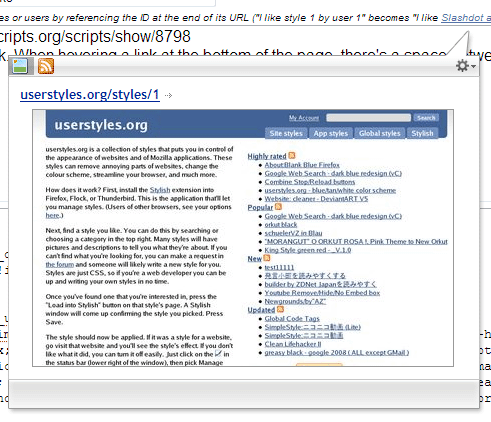
See http://userscripts.org/scripts/show/8798 for the script (probably also works with the actual firefox extension as well, which I uninstalled due to bulk). Note that you _MUST_ set to the larger popups for this to work right (but you probably have anyway). I'm trying to figure out a way to make the popup follow the mouse like LinkThumb (http://userscripts.org/scripts/show/23031), any help would be appreciated.
Removes the junk. When hovering a link at the bottom of the page, there's a space between the bottom of the window and the link (due to fixing a huge space between the balloon carrot and the balloon). If anyone can show me how to fix this, I'd be grateful.