The recommended way to install user styles is to use Firefox with Stylish.
If you already have Firefox with Stylish, make sure this site is allowed to run JavaScript.
You've installed this user style in Stylish. To uninstall it, open the Tools menu, choose Add-ons, click the User Styles panel on the top, click on the entry for this user style, and click Uninstall.
You've installed this user style in Stylish. To uninstall it, open the Tools menu, choose Stylish, and remove the entry from there.
You've installed this user style in Stylish. To uninstall it, click the wrench icon, Extensions, click Options beside the entry for Stylish, and click delete for the appropriate entry.
You've installed this user style in Stylish, but a newer version is available.
To uninstall this user style, open the Tools menu, choose Add-ons, click the User Styles panel on the top, click on the entry for this user style, and click Uninstall.
The recommended way to install this user style is to .
*Updated September 15, 2007 - Worked on some basic kluges for HTML email with white backgrounds
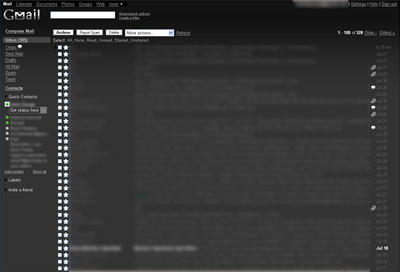
*Updated August 1, 2007 - Fixed dropdowns for font size and face selection with some help from Yeraze - Toned contrast down a little - Made search bar more reasonable for people without enormous monitors - Changed colors of the different contributers to a thread (only goes 6 deep, I haven't seen any threads with more people involved to know what colors are there) - Styled the advanced Filter and Search options\ - Fixed tooltips to be readable with some more help from Yeraze *


- Added a wide search bar at the top and removed the 'Search Mail' and 'Search the Web' buttons (added to be consistent with http://userstyles.org/styles/1690) - Simplified various buttons and repetitive toolbars when viewing messages/message threads
The font choice and text size dropdown menus use Javascript mouseovers to control the background color, and I wasn't sure how to fix that with Stylish. If someone wants to tackle that problem with Greasemonkey, feel free.