The recommended way to install user styles is to use Firefox with Stylish.
If you already have Firefox with Stylish, make sure this site is allowed to run JavaScript.
You've installed this user style in Stylish. To uninstall it, open the Tools menu, choose Add-ons, click the User Styles panel on the top, click on the entry for this user style, and click Uninstall.
You've installed this user style in Stylish. To uninstall it, open the Tools menu, choose Stylish, and remove the entry from there.
You've installed this user style in Stylish. To uninstall it, click the wrench icon, Extensions, click Options beside the entry for Stylish, and click delete for the appropriate entry.
You've installed this user style in Stylish, but a newer version is available.
To uninstall this user style, open the Tools menu, choose Add-ons, click the User Styles panel on the top, click on the entry for this user style, and click Uninstall.
The recommended way to install this user style is to .
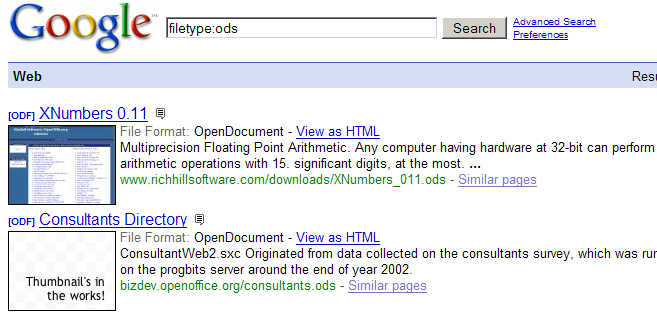
BetterSearch is a fantastic Firefox addon, but it adds goodies to Google search results without regard for the filetype of that search result.
This style removes those elements that are inappropriate for that particular filetype (odt, pdf, etc). For example, a "preview" of a .doc file will launch a download command (and NOT show a preview), but a preview of a pdf works just fine.
Enjoy! ...and as always, please leave comments.

(06-23-07 - Updated to include topic specific Google searches: Linux, BSD, & microsoft) (03-15-08 - Updated to include gz filetype [and also fixed a typo]) (10-15-08 - Updated to include additional elements) (10-16-08 - Updated to include more additional elements - Google News, Google Shopping, etc) (11-05-08 - Updated to include docx, xlsx, pptx, and ppsx filetypes)