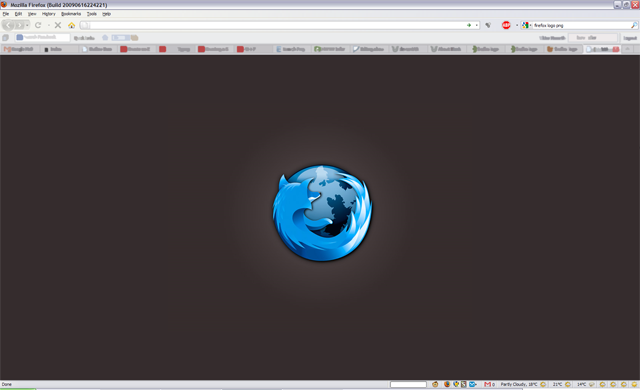
Re-colored XxXAndrewXxX's version and embedded the file into the code.
This could certainly do with a better preview image. ;) Some additional colour schemes, commented out in the code, would also be cool.
i am also having a problem with the image appearing in Gmail when I try to reply to an email. i tried to add the lines of code suggested by vitj0k but couldn't get it to work. does anyone know of someway to fix this?
Nice style! But I have similar problem as srotman and Hatosan by answer mails with GMail. I resolve this by adding following code:
.editable, .editable * {
background:none !important;
}
I really like this but this "Important!" Thing doesnt work after your logged off. Everytime i boot my PC back up i have to go back in and hit Important! again,its fine for that period but if i close FF and open up again......no image
To those who have the PROBLEM seeing no image but the background:
You need to add "!important" to every setting in the style. Just open the style and click [!important], Stylish will add automatically.Although it's a nice style, would have liked a darker background, so i'll use another one. But still great work! =)
I have the same problem as Exodus.
I can sort it temporarily by deselecting the style (so I have a plain white about:blank again), closing firefox and selecting the style then F5 on about:blank. I'll continue to have the graphic then until I close firefox, in which case I lose it.
It looks very nice when it is working though, the best about:blank I've seen.. :>
I have a problem. I installed it and it worked fine evry time i opened a tab but then i closed FF and turned it back on and there was no Dark Firefox. there was only a black screen without the image. I need Help
Saif change "data:imageXXXXX" to "chrome://branding/content/about.png"
thats very clever, but you should give us the option to choose between the original FF logo and the the blue one
I really like this a lot, but any javascript widget that uses about:blank for the page background - such as many quick format editors you find in blogs (or some webmail clients), may display this dark background and make it extremely difficult to compose anything without disabling this style in Stylish. It's just one of those things. Fortunately, many editors also allow you to edit in code view which will display just fine. Thanks for sharing this theme. I get a lot of compliments when demoing or giving presentations.
Great! But when I'm composing with Yahoo! mail, it appears on the background, must be a bug in the source code. What I did is that if i'm using Yahoo mail, i had to disabled Dark Firefox, due to the bug.
great, but theres one problem.
it happens in all of the styles i load for the about:blank page.
all i get is the background, but if i reload the style or delete it and save it again, it pops up.
anyone have any ideas?
besides that, this is a great style.
if i could only get it working...
this is great!

thanks!
This style looks great, but it screws with Yahoo Mail! Every time I go to compose or reply to an email, the blank text box where I'm supposed to write shows the dark Firefox background from this style and I can't see what I'm writing!