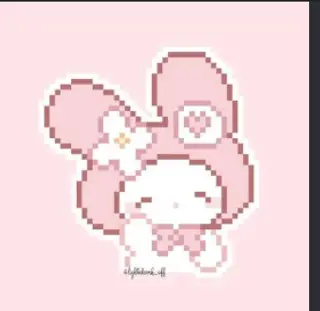
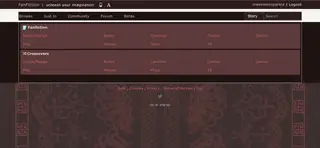
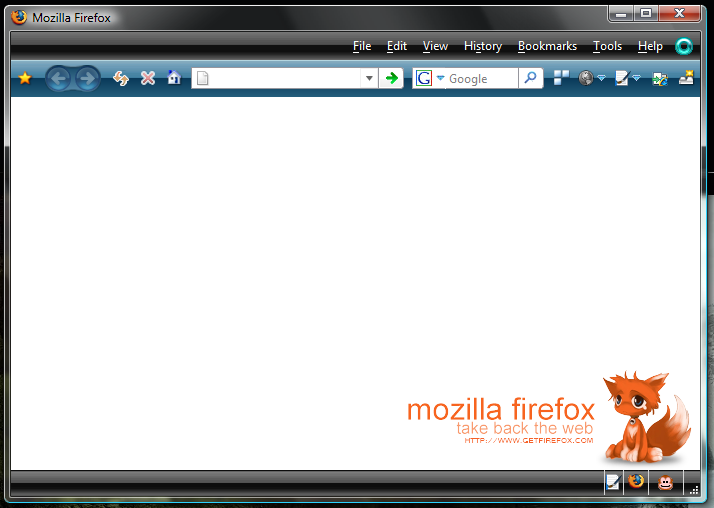
Background: White / Bottom Right Aligned.
Image: by Shari Hes [http://sharii.com/] (not confirmed.. found whilst browsing... so i take no credit for the image)
Some other people have been having problems with my other one's, so if you have an issue please post. thanks
~to nLITEn
The theme i used is called "vista black 1.0". just give it a google.. should be the first result :)
and i fixed what you said. sorry about that... also sorry about the looong delay, i haven't been on for awhile. >.<
Before
|
After
|
I'm no CSS/style expert, but don't ya always need to include the "!important" declaration (just before semicolon) for *each* item? Perhaps that's why users are having issues with your styles, eh? See code enclosed below, taken from "Firefox: Throbber image" userStyle, found at... http://userstyles.org/styles/931
Shortened code excerpt:
#navigator-throbber[busy="true"] {
background-image: url("data:image/gif;base64,
R0lGODlh...[condensed-for-this-example]...aXKgBgQAOw==") !important;
background-position: center center !important;
background-repeat: no-repeat !important;
opacity: 1 !important;
}BTW: what theme(s) &/or add-on(s) have you installed to get that way-cool dark sleek browser look shown above in your pics -and- have you experienced any compatiblity issues with that theme and other addons/userStyles??? Include your response in description above.
[edit: 07sep2007]
Reduced rating until code is fixed.
FYI- taken from: http://userstyles.org/stylish/help
***********************************************
FAQ
Why are my styles getting applied when I first enable them, but then turn off when I browse back to the page or open a new window?Long story short, to be able to override styles on a web page, Stylish styles have to be more important than them. This can be achieved by adding "!important" after every value. For example, color: blue !important; rather than color: blue.
***********************************************XxXAndrewXxX,
This "!important" declaration after **each & every** value/item seems to be a common mistake & problematic (way too often!) in other userStyles as well. However, since about:blank is a locally generated html page- issues or conflicts due to the lack of "!important" may occur only if additional styles or addon/extensions are installed which then also change or effect the user's/browser's about:blank page! Hope this feedback helps.
See similar comments on your other style at: http://userstyles.org/styles/1779
Please fix/update your style(s) & I'll increase rating, accordingly.
Thanks!
ps, still would like to know how you got that cool browser look. :-)
How to display the menubar menu to the right?