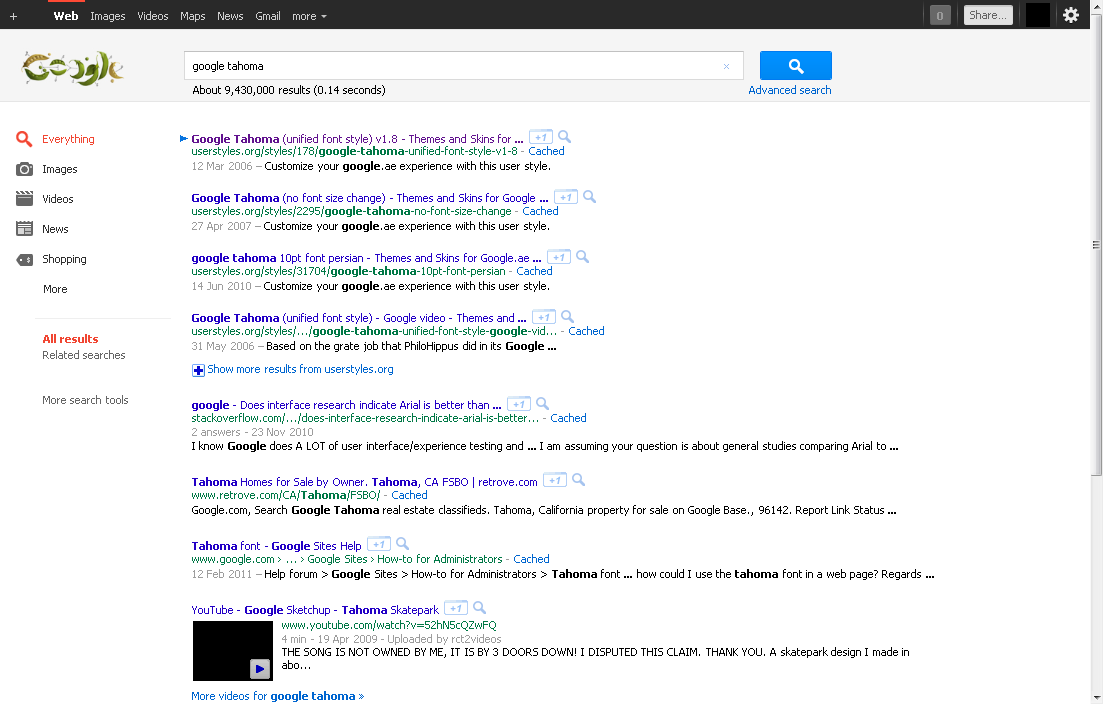
Do you like the sleek look of the standard Windows system font Tahoma? Want to make all your googling experience Tahoma-like? This is a style for you! Affects all things google, be it gmail, web search, groups, reader, notebook, news, whatever. The style is simple and straightforward, it just makes google use the same font and font-size for everything, so even if you don't like or don't have the Tahoma font, or find the size too small, but still want to make google have a cleaner fixed font look, then just edit the font or font size of this style.
All the best
Changelog:
v0.2 - added virtually all google domains || added "SELECT" and "OPTION" tags
v0.3 - added "A" tag
v0.4 - added "LABEL" tag || incorporated the Google Video info pane width fix by ariel. Cheers! (and sorry that took so long)
v0.5 - added "P" tag
v0.6 - removed obsolete section correcting old gmail ui || added a section removing underlining in links. it's clearly identified if you don't like this change || since youtube is getting a more googlified look, added youtube to list of websites. it's the second domain right up top so you can easily delete if this change annoys you.
v0.7 - removed obsolete google video ui fixes || added h1 to h6 tags
Before
|
After
|
Ok I tried again and its working fine this time.
In Windows Vista Segoe UI looks much better than Tahoma (and Arial of course). Have a look also here: http://userstyles.org/styles/6896
Wow, so neat!
This script recently stopped working for me on the iGoogle personalized homepage. It pushes the entire page halfway off the page to the right. Any ideas on how to fix it since I want to keep this script enabled, I love the look of it. Thanks.
Edit: A little more info...it seems to work fine if I change the font size to 10.
Looks nice. Can't say anything wrong
I would add this:
a {font-family: inherit !important;}
to prevent links from using Arial (they do use it at http://mail.google.com/).
perfect!
This has been working perfect for me for about 6 months.
Elling said on Dec 06 2006:
> Am I the only one not having the actual "Load Userscript" button appear on this page? It works for all the
> other styles on this site (and I do have Greasemonkey installed).
I have this problem too. Maybe it's because this style has multiple "@-moz-document" selectors - one for all *.google.* and other for just mail.google.com (fixing margin bug).
Am I the only one not having the actual "Load Userscript" button appear on this page? It works for all the other styles on this site (and I do have Greasemonkey installed).
Sorry, but it didn't work. Still looked the same as usual.
gmail now has a great look.
I added to mail.google.com domain block this addition:
span.ct {font-size: 7pt !important;}
it makes the green label attached to each message smaller. I think it looks better like that.EDIT: Check the style <http://userstyles.org/style/show/426> for support for video.google.com domain.
Excellent and easily tweakable to your own taste. Like reddeye, I went with 9pt (Verdana), added ".p, a { font-family: Verdana !important; font-size: 10pt !important; }" to Google to make the blue titles stand out a little, and widened the GMail margin to 160 - both Google and GMail now look MUCH better! Thank you very much indeed.
Looks much cleaner. I like it.
Makes Google and Gmail look much better. 8 pt. font was a little too small for me, so I changed it to 9 pt.