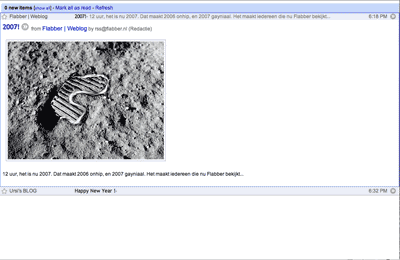
This is my edit of Google Reader Optimized by Nathan.
It plays better with the 'u' shortcut for display/hide the side bar and has some other minor tweaks that I like.
Doesn't work right in expanded view, just list view.
Changes:
09/20/07: I'm not planning on maintaining this anymore. I'll leave it up for whoever wants it but see if you like this one try Google Reader - 31d1 remix
09/06/07: make compatible with new search feature.
05/03/07: stop hiding entry actions (email, share, mark as read, etc ...)
03/31/07: make compatible with google reader search greasemonkey script (http://userscripts.org/scripts/show/7062).
02/11/07: stopped hiding the "show all/show updated" toggle because that's what I want to do half the time I disable the script. I'd like to keep the "view settings" drop down at the top, but I can't figure out how to without getting the whole rest of it's area as well, and I refuse to lose all those pixels for it, so for now I just disable Stylish when I want it.
Before
|
After
|
add the following the hide the changed top:
#ogspacer {
display:none !important;
}
change
#nav * {
max-width:160px !important;
}
into max-width:164 will look better! lol
fantastic work,great
I'm with Yoz in this. It would be nice to find a way to get at those missing controls only by using a shortcut. But for now I like this and I'm using it. Thanks for your work !

Thanks, this is exactly what I needed!
It's great (and a definite improvement over the previous version) but I'm wondering how to get at some of the missing controls, such as the sorting control, the drop-down menu above a feed or group, and the top-line user prefs stuff (sign out, help, settings). Fortunately I don't need those very often, so can just turn off the userscript and refresh, but it'd be great if those things were still present somewhere.
.ad {
/* Your ad can be here instead. 10K unique visitors for $5/day. Mail me. */
}