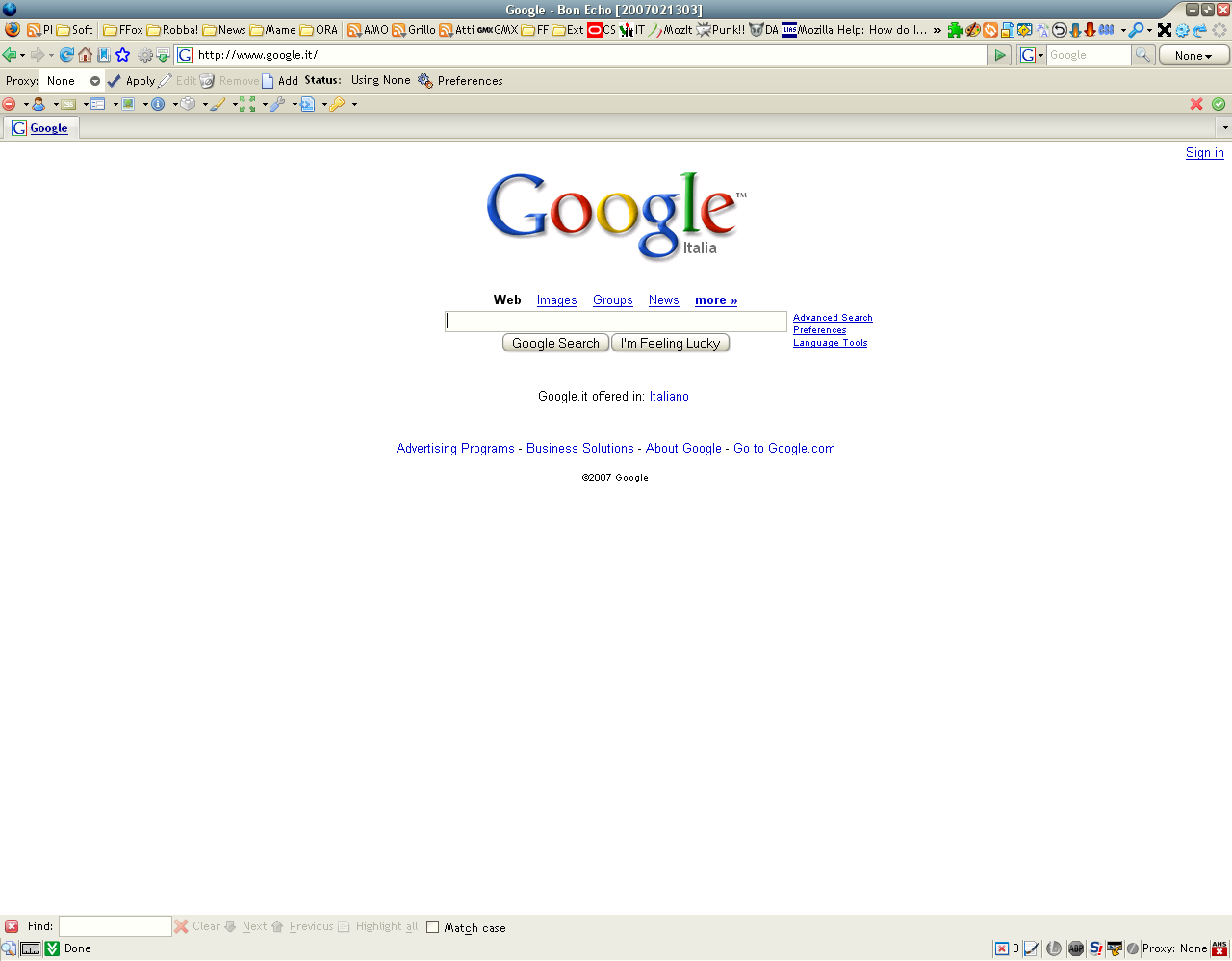
Buttons closer on toolbars ignoring theme settings.
(It ignores border, background style and size from the operating system's theme)
Elements closer on statusbar.
Slim toolbars!
It works with Firefox default theme and Qute!

Use Small Icons.
Tested only on pc (I do not own a Mac!)
You can find last enhancements in "style 1056" (it is unstable)
Before
|
After
|
Works great with compact themes.
at first glance, works on firefox 3 too ;)
hmm, that crash my google search box in mac (firefox2.0) ,, .. no good :(
Can someone please help me edit the code so that this only minimizes the Menubar?
Smooth. Makes any theme better. Even if you rotate themes alot, this lil bit of code always makes some improvement.
Especially with those of us with ultra customized menues as far as positions and such are concerned. i personally have the two built in toolbars of firefox and 3 other toolbars combined into just 3, and switching themese sometimes shoves the buttons way apart, making the setup absolutely worthless. This however, keeps it functional in all but the most extreme cases.
Incredibly useful, nice.
Thanks, really looks great especially with tinymenu addon. 5 stars.
Thank you Fra Diavolo. Makes it possible to display a greater number of buttons. Compatible with Status Buttons Extension. Problem with userstyles.org style 'Multiple Row Bookmarks Toolbar' and so I use your, "Toolbar - Buttons Closer **Test***" style which seems to be compatible. Firefox 2.0.0.6 Windows XP SP2
Awesome style, just the thing for those who value the toolbar real state :)
I just cant tell you how nice it looks combined with the TinyMenu Add-On
I had a theme for Windows XP that changed the start menu color, and this style makes it so that the status bar on FF goes back to the default color. Any idea why?
Thanks a lot for this great style! Could you please help to shrink the PersonalToolBar too?
how to undo changes you've made? some icons are just too small...
Does the job. I love these that get rid of wasted space. Thx.
Thanks very usefull, did exist a change to make the bookmark toolbar favicons closer?
Before this last update on Sep. 25 it was working much better, how can I go back to that one? Please help, I can't use FF without it :-(
Plus, now if I try to customize the toolbar, the icons get spaced out again and disappear to the side.
Does anyone by any chance still have the old "formula" to post, here or on the Stylish forum.Sep. 27. Thank you so much, back to its great glory. One of my essential styles.
Excellent!! Now I can use more buttons!!
Thank you!!!
I was looking for quite some time for this. (making the menubar slimmer)
It was a little to slim I think, so I set the border and margin to 1px
usefull
.ad {
/* Your ad can be here instead. 10K unique visitors for $5/day. Mail me. */
}